
Director general, Alsona
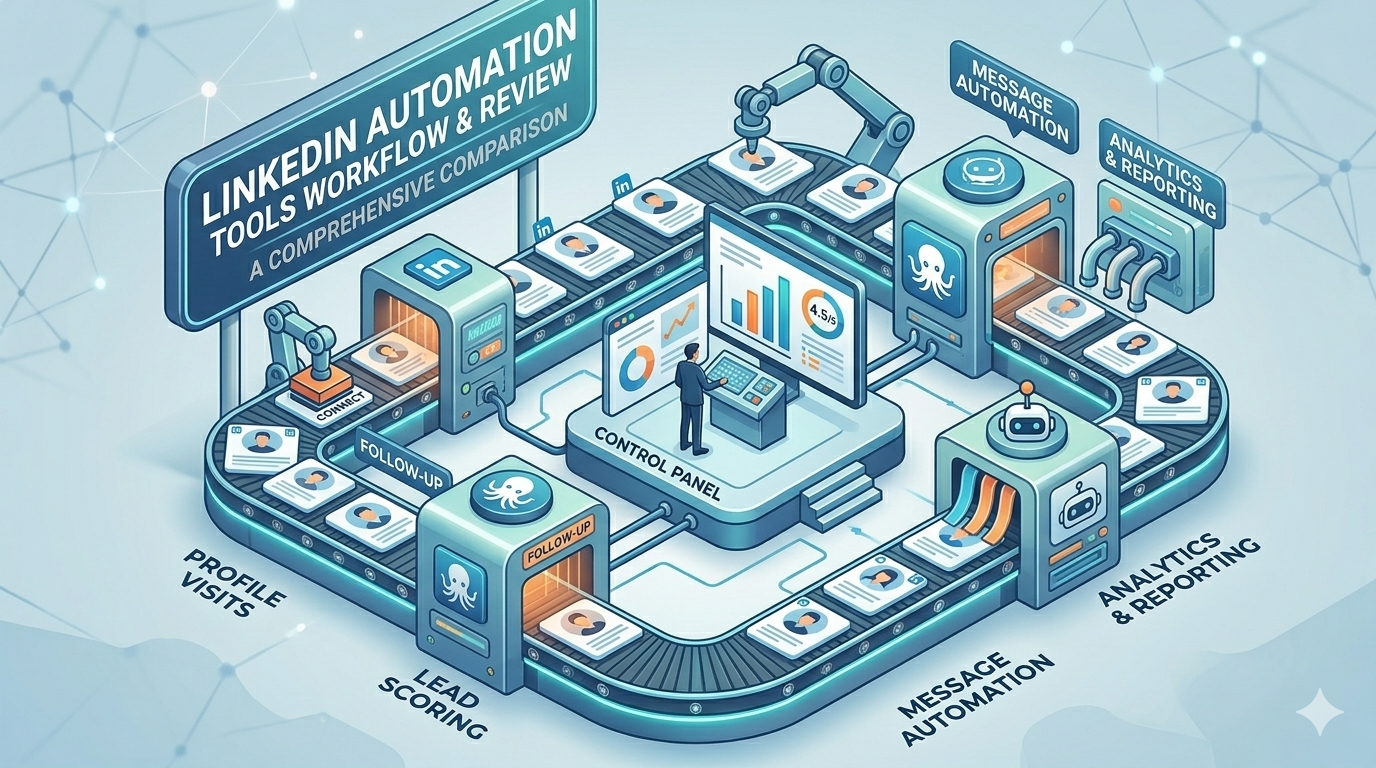
LinkedIn is still the place for B2B lead generation. It has more than a billion users, and a huge chunk of them are exactly the kinds of people sales teams want to reach: founders, operators, buyers, recruiters, consultants, and decision-makers with budgets.
People use LinkedIn for networking, hiring, job hunting, and keeping up with what is happening in their industry. All true. But let’s be honest about the part that drives this market: companies use LinkedIn to get in front of prospects. Usually through outbound outreach.
That part is rarely fun. Prospect research takes time. Writing messages takes time. Following up takes even more time, especially when you are trying to stay organized across dozens or hundreds of conversations. Done manually, it can eat your day. That is why LinkedIn automation became its own category in the first place.
This guide covers 50 of the best LinkedIn automation tools for 2026, along with who they are for, where they shine, and where they start to feel limited.
LinkedIn automation is software that handles repetitive work on LinkedIn for you. That can include sending connection requests, following up with prospects, pulling profile data, or helping publish and manage content.
Most tools in this category help users do things like:
Used well, automation saves time and keeps campaigns moving. Used badly, it turns into lazy mass messaging. That is usually where things go sideways.
A few years ago, most LinkedIn automation tools were pretty simple. They ran browser-based sequences, sent connection requests, dropped prospects into drip campaigns, and called it a day.
That is not where the category is anymore.
Newer tools use profile data, company context, firmographic signals, and buying intent to write messages that feel more relevant than the usual generic pitch. Some do this well. Some still sound like a robot pretending to be friendly. The gap matters.
A lot of platforms now combine LinkedIn with email, CRM activity, and sometimes SMS or social touchpoints. That matters because most real outbound motions do not live on one channel.
Some tools now watch reply rates and engagement patterns in real time, then adjust sequencing, messaging, or pacing based on what is working. That is a meaningful shift from static campaigns that stay frozen once launched.
This is where things are getting interesting. A growing number of platforms now use AI agents to handle replies, answer common objections, and push conversations toward meetings. In some cases, the rep steps in late instead of early.
Not every product on this list solves the same problem. That is part of what makes this category messy.
These tools combine multichannel automation with AI-led prospecting or AI conversation handling.
Examples include Alsona, 11x, Regie.ai, and Artisan.
These focus on outreach across LinkedIn, email, calls, and related workflows.
Examples include Lemlist, Reply.io, La Growth Machine, and Apollo.io.
These tools stay closer to native LinkedIn actions like profile visits, connection requests, follow-ups, and inbox activity.
Examples include Expandi, Dripify, Waalaxy, Dux-Soup, and Meet Alfred.
These tools help you extract and enrich prospect data from LinkedIn.
Examples include TexAu, Evaboot, and Skrapp.
These help users grow visibility through content, post planning, and writing support.
Examples include Taplio, AuthoredUp, and Hypefury.
Expandi is still one of the better-known names in this category. Its pricing starts around $99 per month, with higher team pricing for larger setups. The product has been around long enough to feel familiar to a lot of buyers, especially teams that want something more polished than a low-cost plug-in.
Expandi’s biggest strength is that it feels mature. It helped move the market away from rough browser scripts and toward cloud tools that looked and behaved like real SaaS products. Users often like the campaign templates, personalization options, and overall stability. If your team wants to get outreach live quickly without building every workflow from zero, Expandi is a comfortable option.
It is becoming a bit outdated and still leans heavily toward LinkedIn. If you want deep multichannel orchestration, richer enrichment, or a broader outbound setup, you may start to feel the edges. It is solid, but the category kept moving, and newer tools are trying to do more.
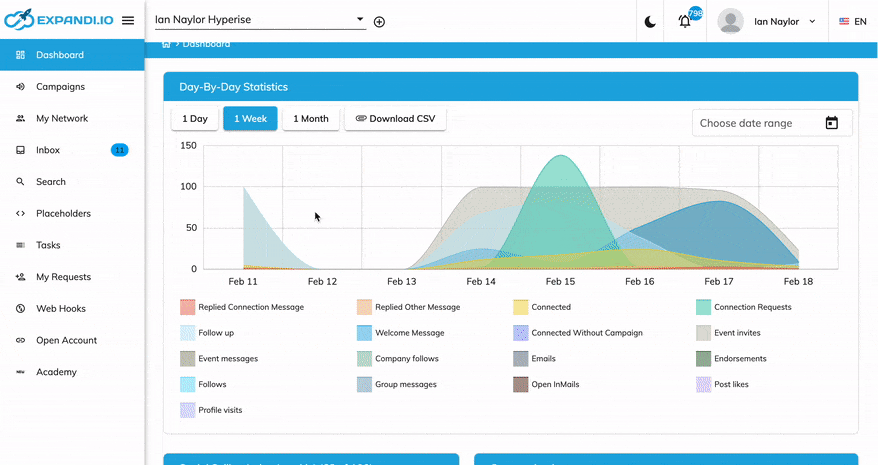
Expandi works well for companies that want a reliable LinkedIn automation tool with known pricing and a familiar product story. It is more polished than many cheaper options, though less ambitious than some newer platforms built around email, AI, and multi-account scale.
Waalaxy went in a very different direction from a lot of competitors. It leans into simplicity. The pitch is clear: make LinkedIn outreach easy for people who do not want to wrestle with a complicated sales stack. Pricing usually lands in the $20 to $60 per month range, which keeps it approachable.
The main draw is how easy it is to pick up. Campaign setup is fast, the interface is simple, and the workflow does not assume you are some outbound nerd who enjoys tinkering with branching logic. It also adds some practical extras like email finding, CRM sync, and integrations, which gives smaller teams a little more room to work.
It can feel too lightweight once your operation grows. Teams that need more control, more branching, or more account-level infrastructure may outgrow it. Some users also run into feature limits as they move up the ladder.
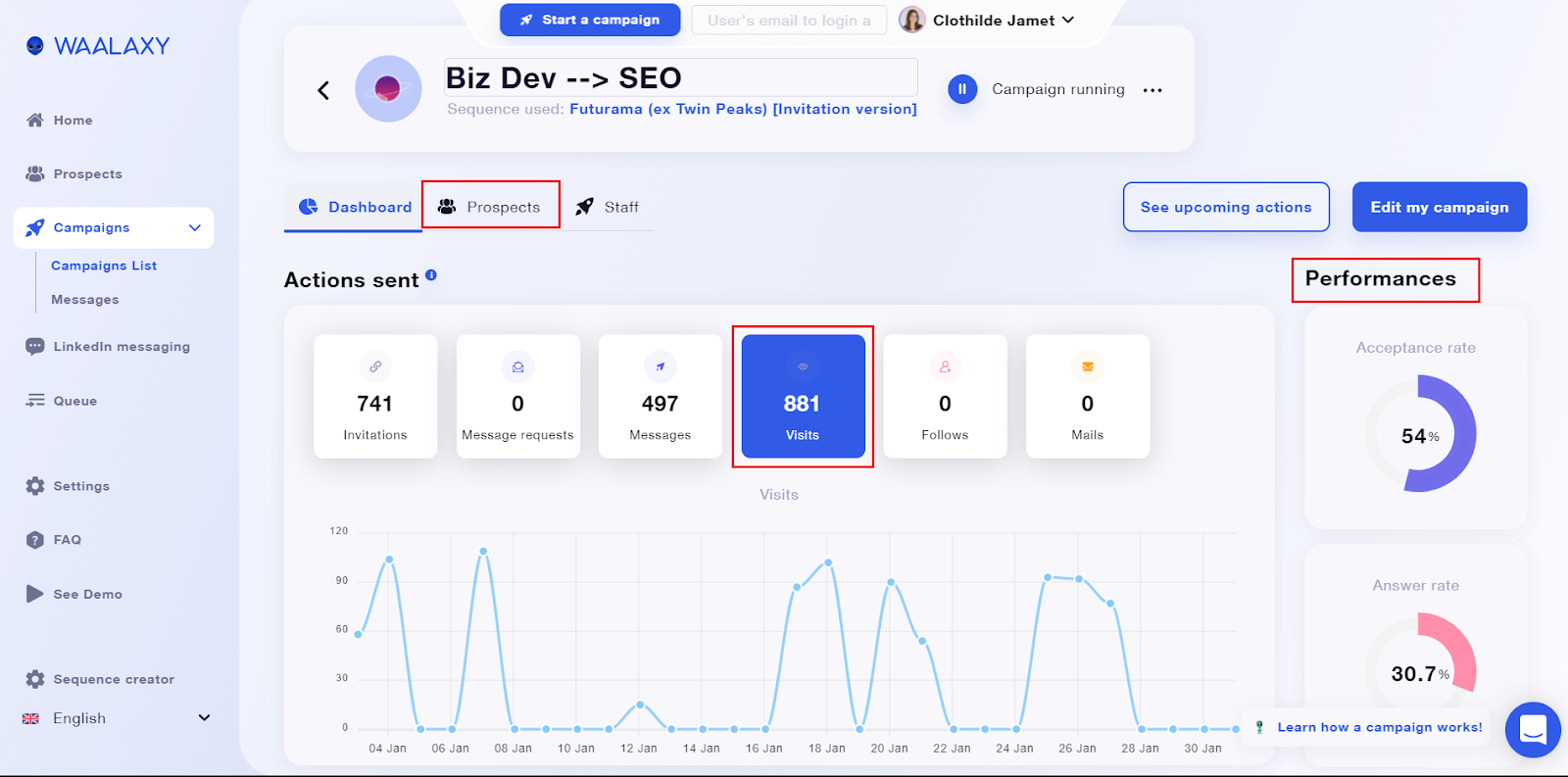
Waalaxy makes sense for founders, freelancers, and small teams that want something simple and quick. For larger outbound teams, it usually starts to feel small.
Skylead is better thought of as a sales engagement tool that includes LinkedIn, not a pure LinkedIn automator. That distinction matters. It combines LinkedIn and email, adds if/else logic, and gives teams a more flexible campaign structure than the usual step-by-step sequence builder.
Its biggest strength is control. You can build workflows that react to what a prospect does, instead of forcing everyone through the same fixed path. For teams running both LinkedIn and email, that makes campaigns more realistic and easier to manage from one place.
That flexibility comes with a learning curve. New users may need time to get comfortable, and the pricing sits a bit above entry-level tools.
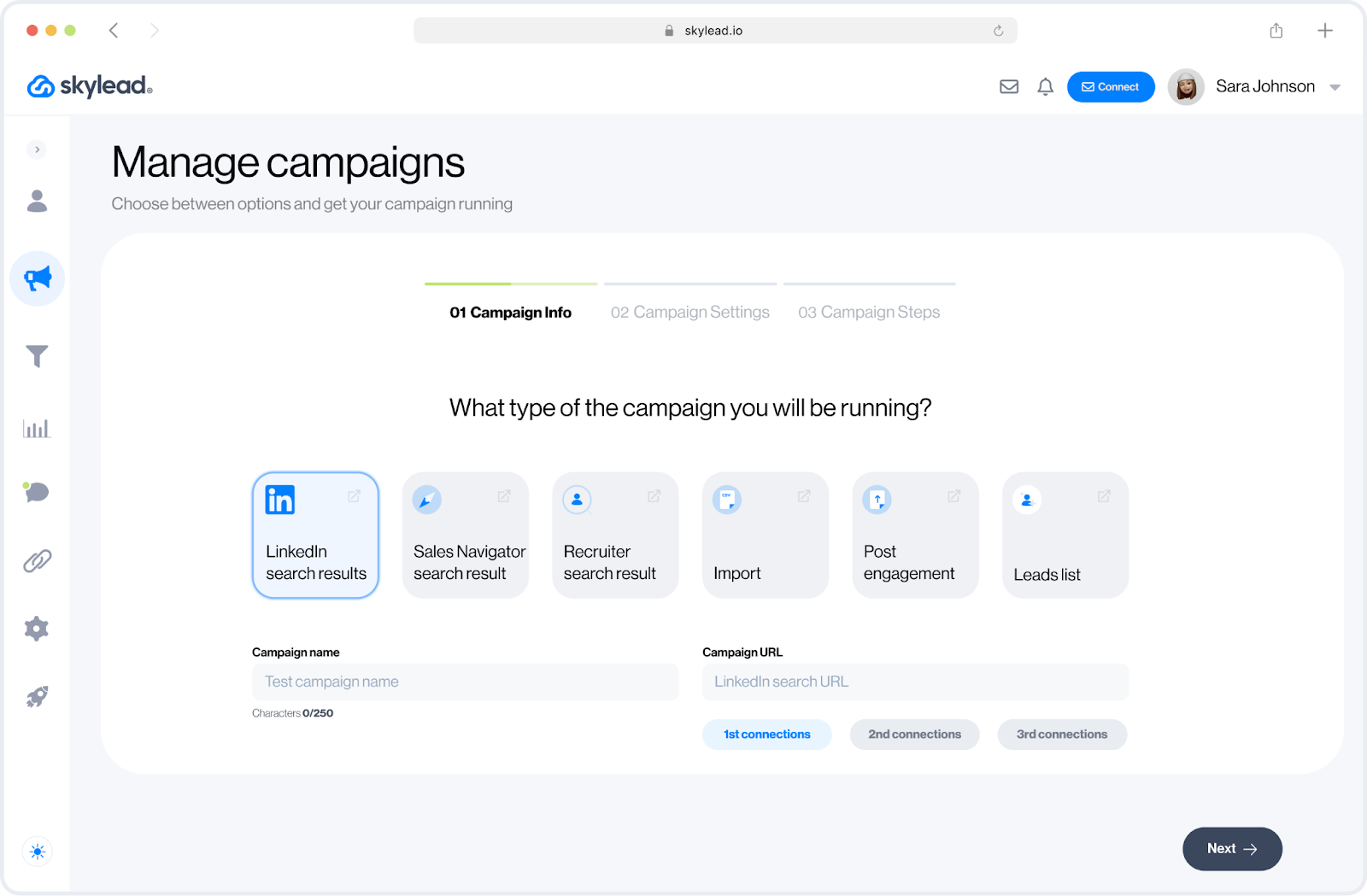
Skylead is a strong option for teams that want more than basic LinkedIn automation but are not ready to buy a huge enterprise engagement platform.
Alsona is built more like an outbound system than a single-purpose LinkedIn tool. It combines LinkedIn outreach, email workflows, AI-led conversations, unified inboxes, and multi-account infrastructure in one platform. It is clearly aimed at teams, agencies, recruiters, and operators who need more than simple connection-request automation.

What stands out is the breadth. Instead of piecing together separate tools for LinkedIn, email, inbox management, and campaign control, teams can run those layers in one place. Features like multi-seat rotation, omnichannel workflows, AI-assisted conversations, appointment-setting agents, CRM integrations, API and webhook support, and 50-plus language coverage make it feel built for scale.
It also fits agency and team use cases well. Permissions, centralized control, white-label support, and multi-user workflow management all matter more once outreach stops being a solo activity.
For someone who just wants a cheap tool to send a few LinkedIn follow-ups, Alsona may be more platform than they need. It is better suited to structured outbound than casual automation. It also has a smaller public review footprint than some older competitors, so buyers doing third-party review comparisons may find less public proof than they would with longer-established brands.
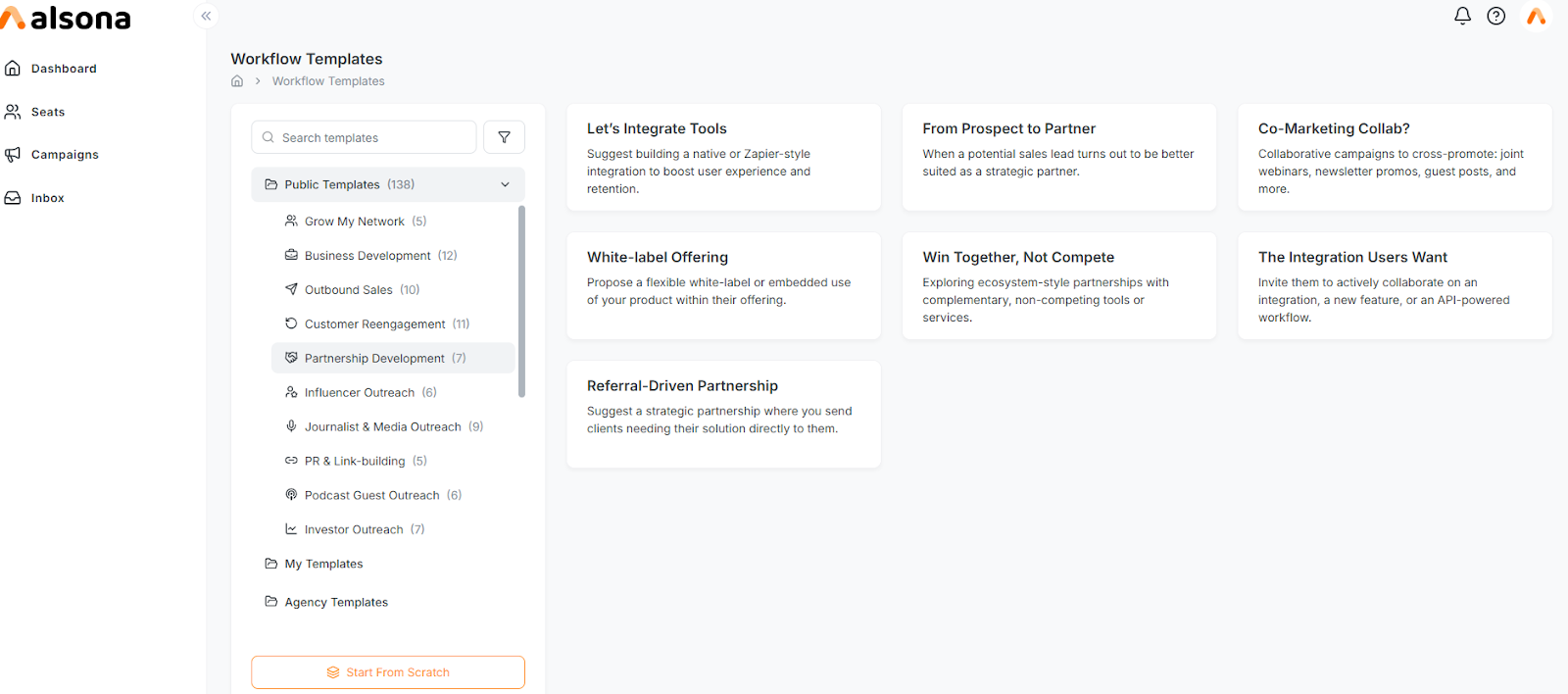
Alsona is a strong fit for teams, agencies, recruiters, and outbound operators who want LinkedIn and email running from one system, especially when AI follow-up, unified inboxes, and multi-account scale are part of the workflow.
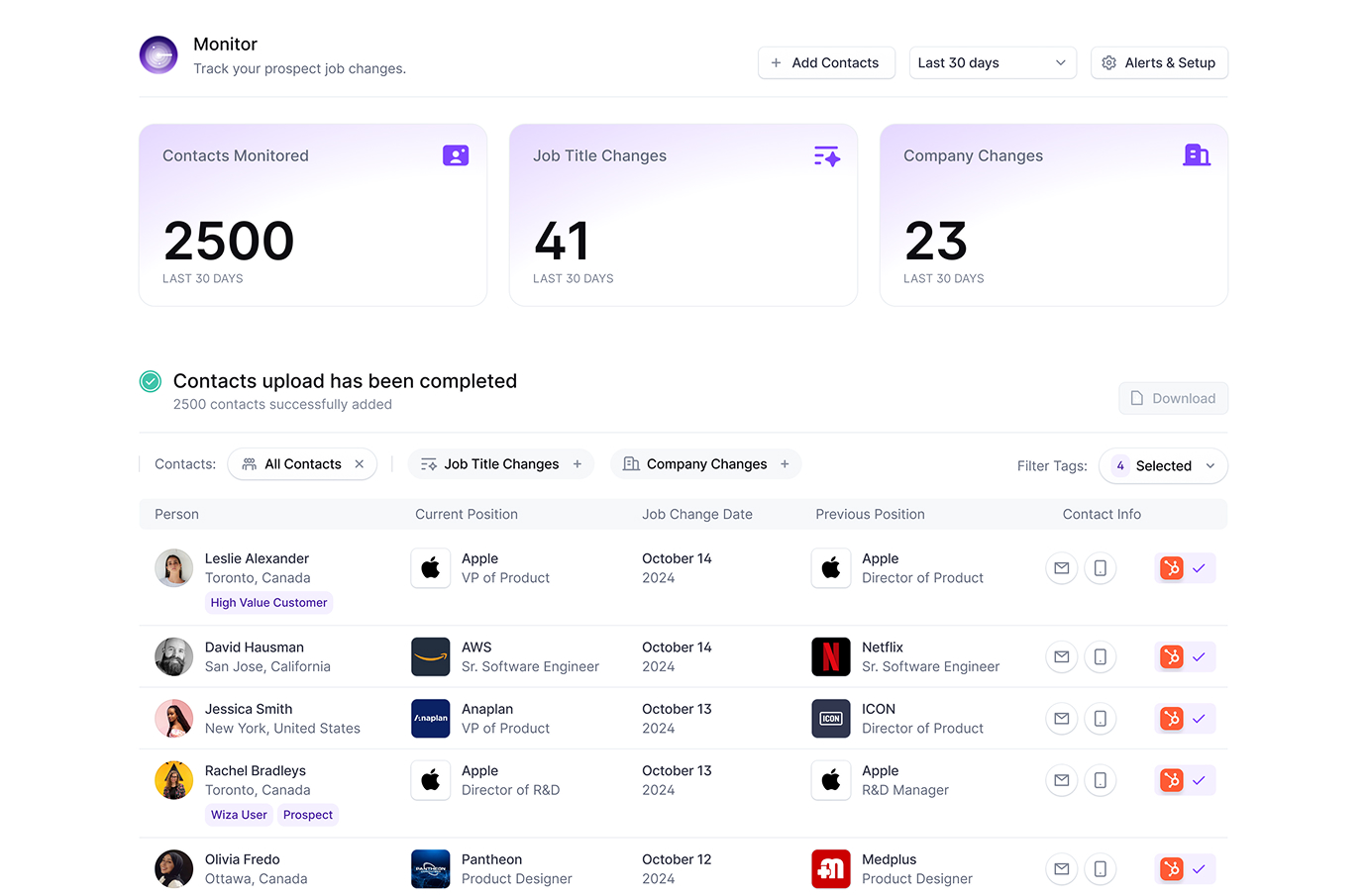
Wiza is not really an outreach platform. It is a prospecting and contact intelligence tool. Its job is to pull verified email addresses, phone numbers, and enriched contact data from LinkedIn and Sales Navigator so your actual outreach platform has better data to work with.
It is fast and practical. You can turn LinkedIn profiles into usable lead lists in a few clicks, verify the data, and push it into your CRM or outbound stack. For teams that live in LinkedIn prospecting every day, that is a pretty useful shortcut.
It does not run the campaign for you. No LinkedIn sequences, no message automation, no broader engagement workflow. Most teams end up pairing it with something else.
Wiza makes sense as a prospecting companion. It is useful upstream, but it is not the whole outbound engine.
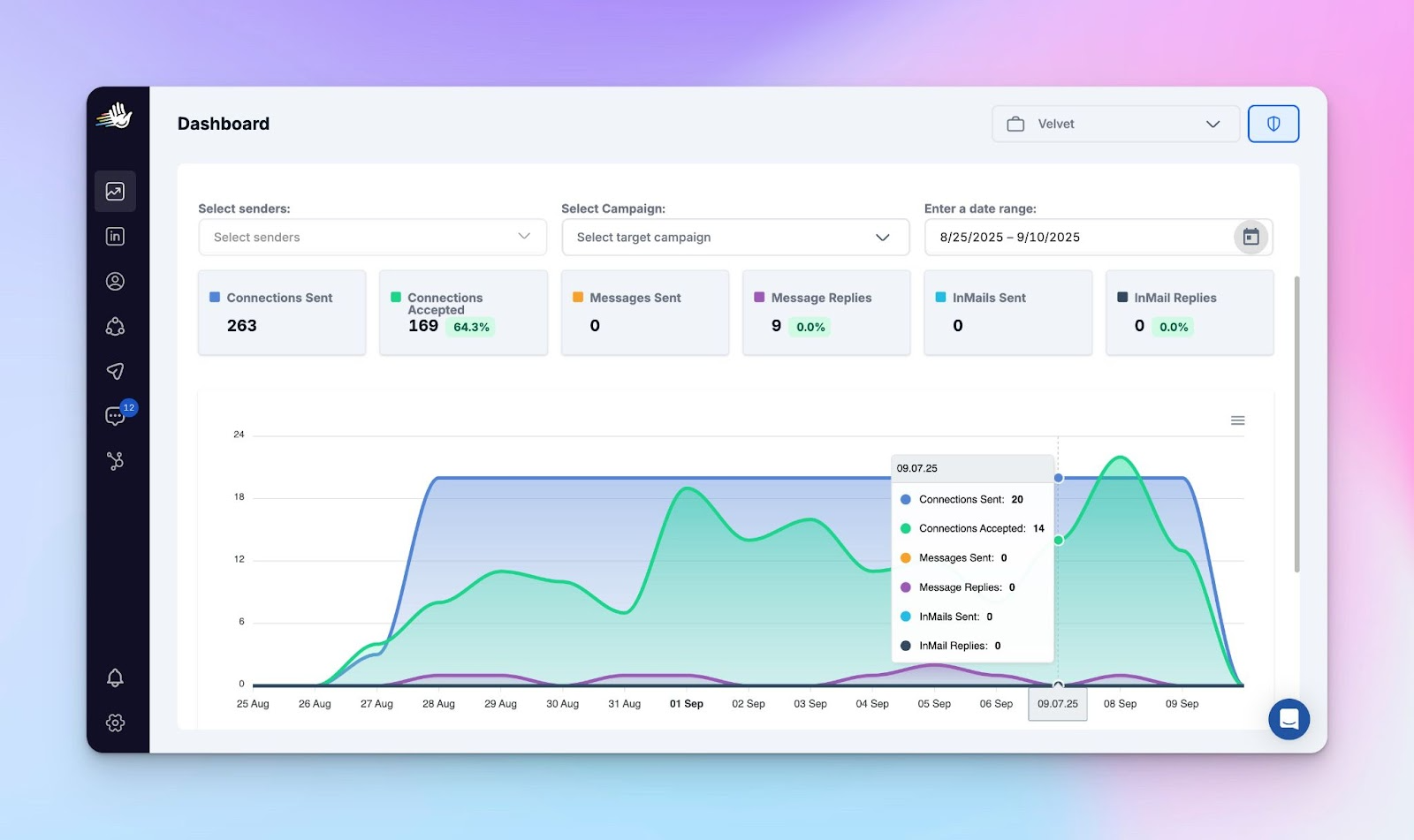
HeyReach was built for scale. Specifically, scale across lots of LinkedIn accounts. That makes it very different from tools designed around one user, one profile, one inbox. Agency pricing starts high for a reason. This is meant for teams managing a pile of sender accounts.

Its multi-sender infrastructure is the whole point. Activity is spread across multiple LinkedIn accounts, which helps teams run higher-volume campaigns without concentrating everything on one profile. For agencies and large SDR teams, that setup can be an advantage.
It does not include email and requires you to pay with a separate email tool and then integrate. It is overkill for smaller teams. The pricing, the setup, and the product logic all assume volume. If you are a solo founder with one LinkedIn account, this is probably not the first place I would look.
HeyReach is for agencies and large teams running LinkedIn at scale across many accounts.
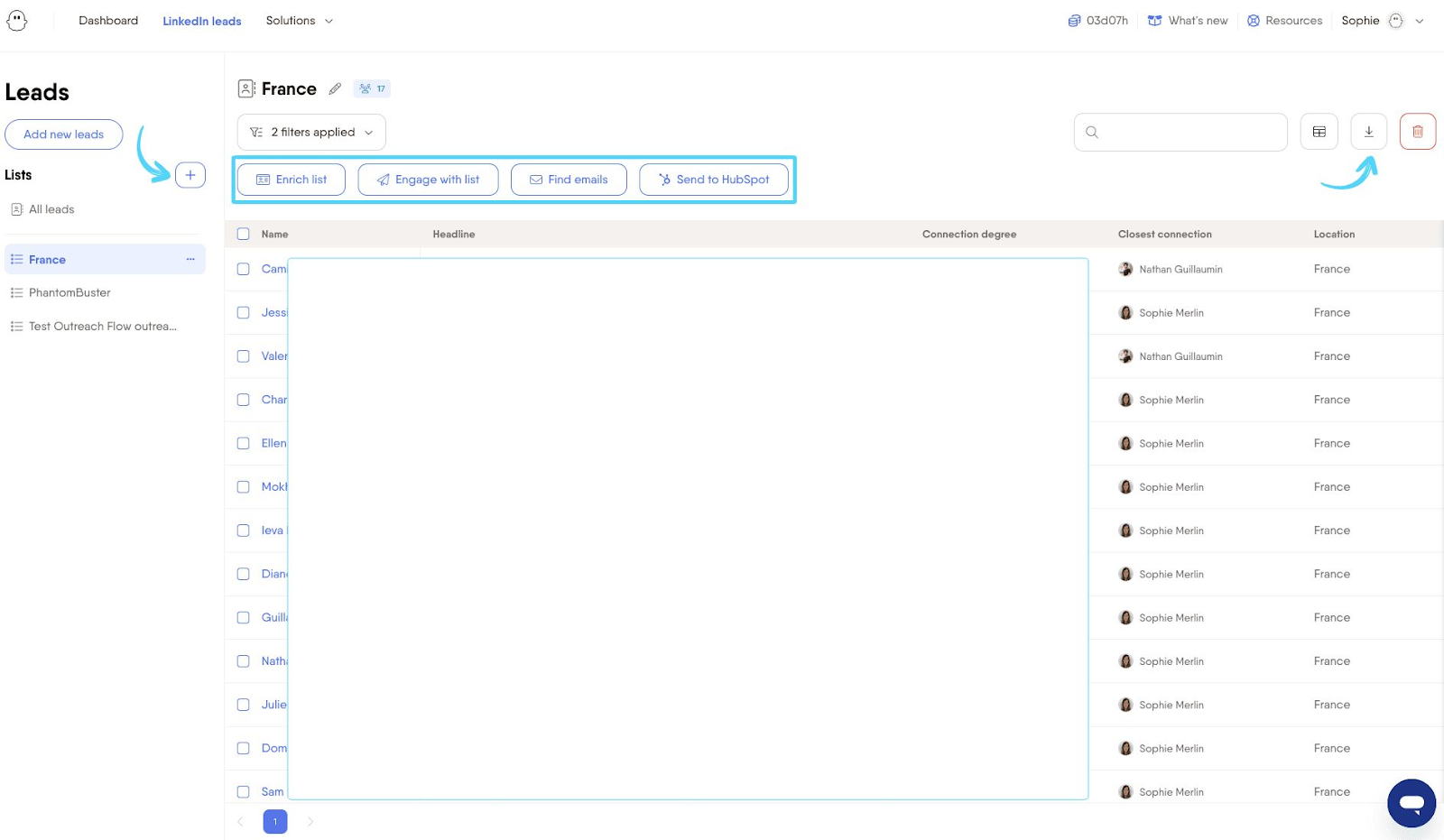
PhantomBuster sits a little outside the normal LinkedIn automation category. Most tools on this list focus on outreach campaigns. PhantomBuster works more like a library of automation scripts that can be combined to create custom workflows across many platforms.
The platform offers more than 100 automation modules, called “Phantoms,” which can extract data, trigger actions, or move information between systems. These modules work across LinkedIn, Instagram, Google Maps, X, and other platforms. Instead of launching a single outreach sequence, users often combine several Phantoms to build their own pipeline.
In practice, PhantomBuster often ends up handling the data layer of a growth workflow rather than the messaging itself.
Flexibility is the main reason people use PhantomBuster. Each Phantom handles one task, such as collecting LinkedIn profiles from a search, exporting contact data, or enriching records. Those tasks can be chained together so the output from one automation feeds the next.
A growth team might collect LinkedIn leads from Sales Navigator, enrich those contacts, send them into a spreadsheet or CRM, and trigger another workflow once the list is complete. PhantomBuster works well for that kind of modular automation.
That flexibility comes with a learning curve. PhantomBuster is not built as a ready-to-launch outreach platform. Users usually need to assemble their own workflow from several separate automations. As such, a non-technical user may struggle to effectively set up the system.
Some users also report friction around cookie sessions, automation limits, or maintaining certain scraping tasks over time. Those issues are not unique to PhantomBuster, but they appear more often when users build complex chains of automations.
PhantomBuster is best for technical operators, growth teams, and people who want control more than convenience.
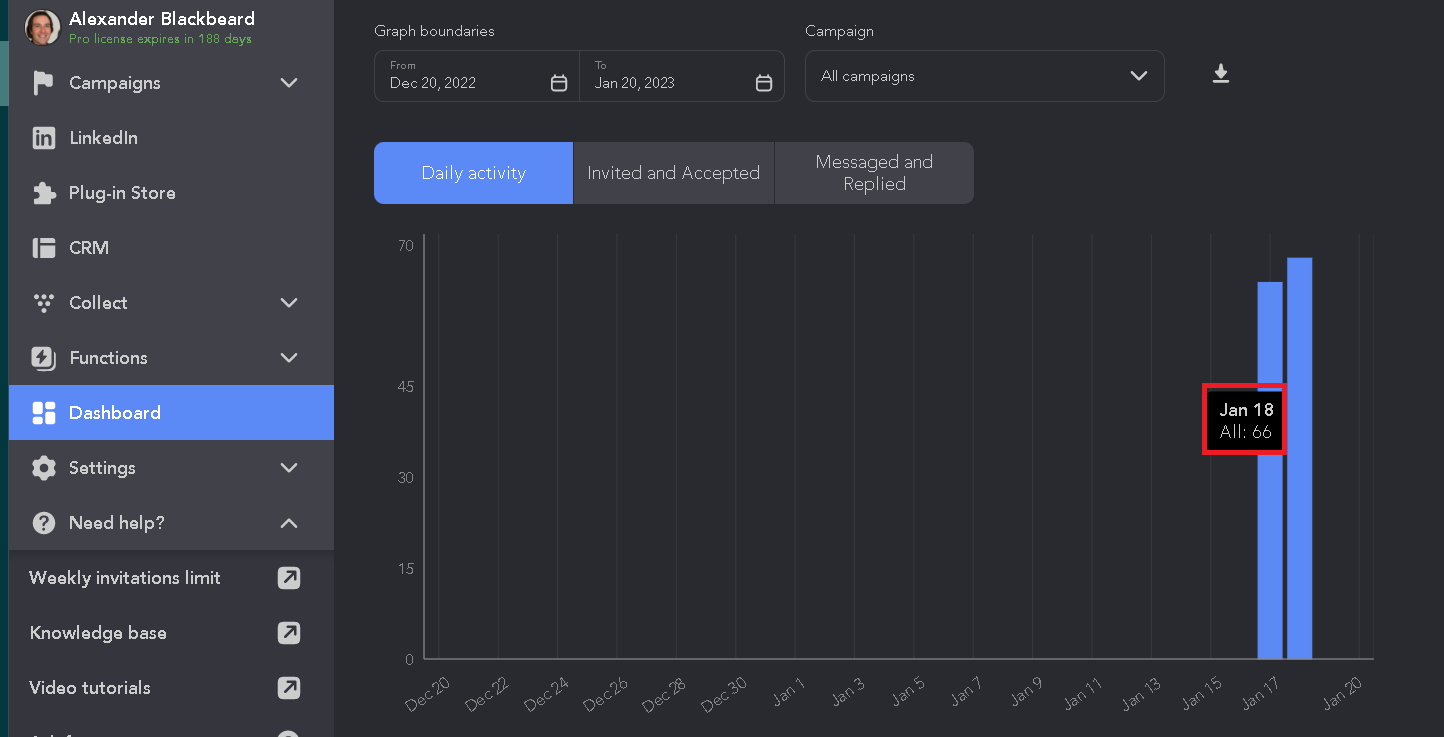
Linked Helper has been around for many years and still has a loyal user base among experienced LinkedIn operators. One of the biggest reasons is price. Plans usually fall between $15 and $45 per month, which is far below many cloud-based LinkedIn automation platforms.
Unlike some modern tools that focus on a narrow set of features, Linked Helper tries to give users a wide collection of automation actions in one place.

Linked Helper includes most of the automation actions people expect from a LinkedIn tool. Users can automate connection requests, follow-up messages, profile visits, lead scraping, and basic lead management.
For operators who like detailed control over campaigns, that breadth of functionality can be appealing. You can configure workflows step by step and adjust behavior in ways that lighter tools sometimes hide behind simplified interfaces.
The pricing also makes it attractive to users who want strong functionality without paying premium SaaS pricing.
The product experience feels more utilitarian than modern. The interface focuses on functionality rather than visual polish, and it lacks some of the cleaner design patterns that newer cloud tools emphasize.
Teams that prioritize interface design, multichannel workflows, or collaborative campaign management may feel the product showing its age.
Linked Helper is well suited to power users who care more about control and price than aesthetics. It remains one of the more capable tools at its price level, even if newer platforms offer a smoother product experience.
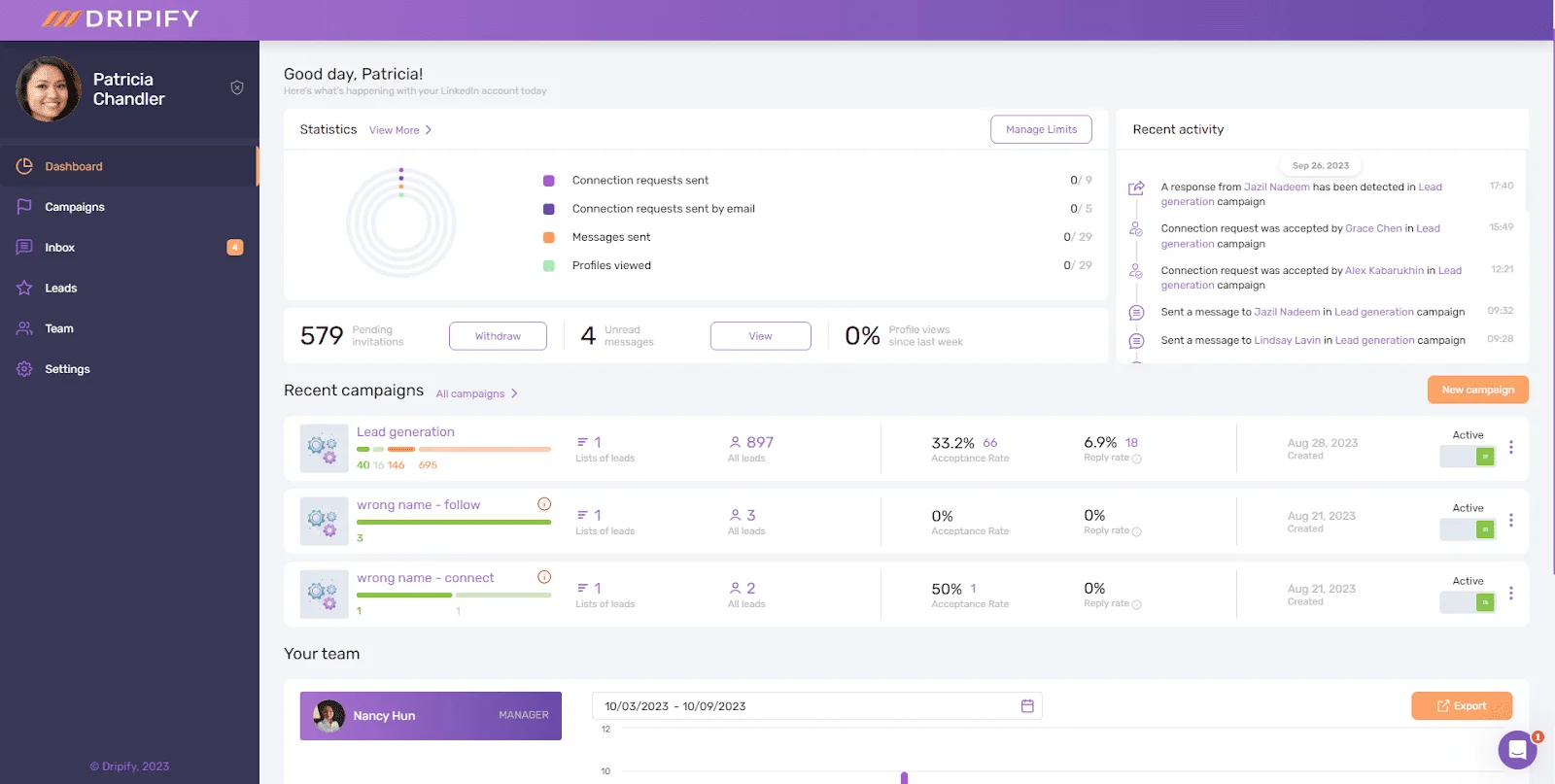
Dripify is a cloud-based LinkedIn automation platform aimed at sales teams that want an easy way to launch campaigns. Unlike older tools that rely on browser extensions, Dripify runs automation through a cloud environment and adds reporting, team collaboration features, and basic sales sequencing.
Plans typically start between $39 and $59 per month, placing it in the middle of the LinkedIn automation pricing range.
Dripify focuses heavily on usability. The campaign builder is visual and easy to understand, which helps teams launch outreach campaigns quickly. Built-in analytics also make it easier to monitor acceptance rates, replies, and other campaign signals.
Because campaigns run in the cloud, users do not need to keep a browser open for automation to continue. Although this a pro, this is not unique in the current market.
Team features also make it easier to coordinate outreach across multiple users.
Dripify operates in a crowded middle tier of LinkedIn automation tools. It does many things well but does not always stand apart from competitors that specialize more deeply in multichannel outreach or high-scale automation.
Teams that need complex conditional workflows or large multi-account infrastructure may eventually look for a platform with more advanced capabilities.
Dripify works well for sales teams that want a dependable cloud-based LinkedIn automation platform without stepping into the complexity of a full sales engagement system.
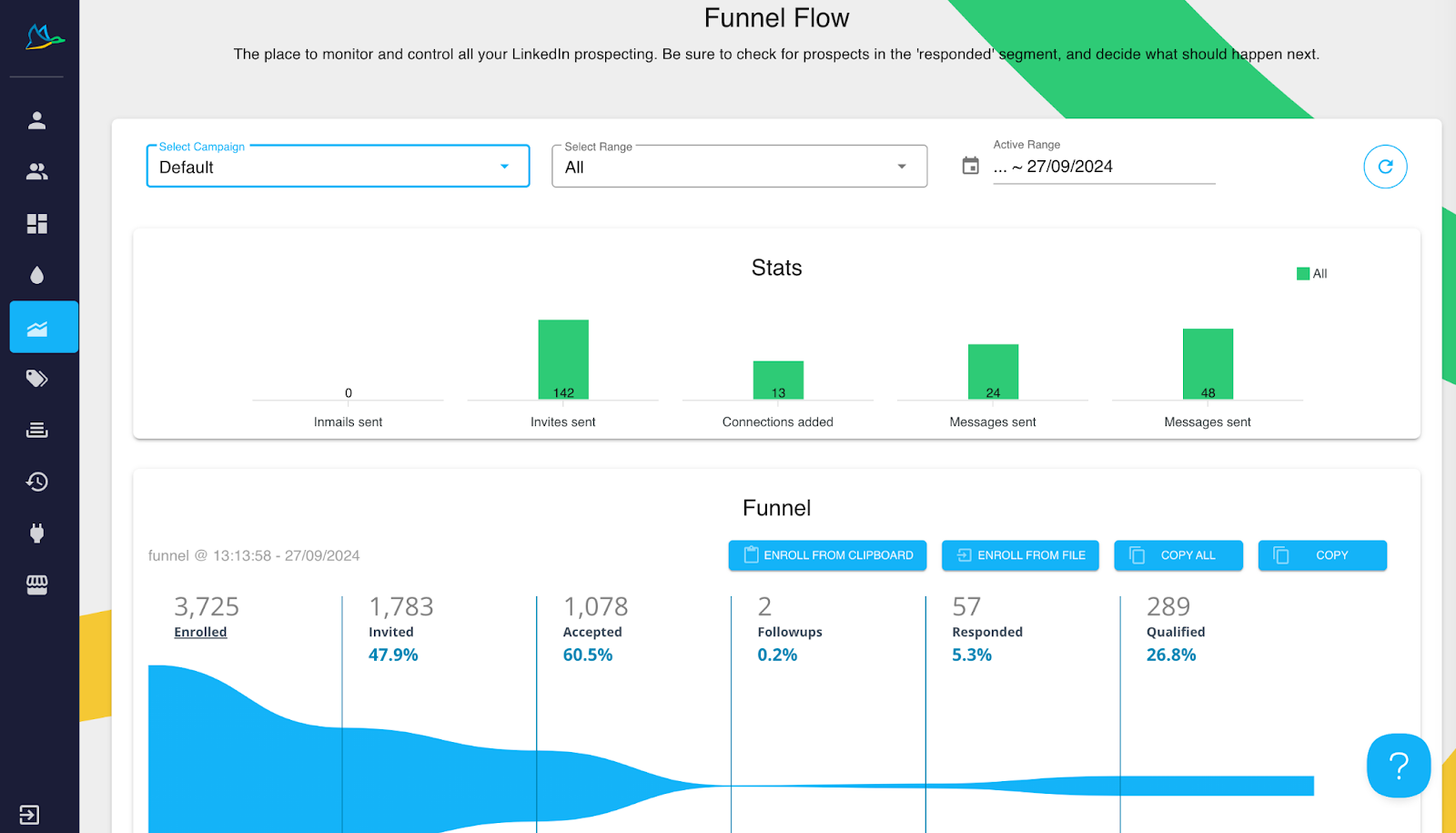
Dux-Soup is one of the earliest LinkedIn automation tools and remains popular because of its simplicity and low cost. Pricing usually starts around $11 to $15 per month, which makes it one of the most affordable ways to automate basic LinkedIn outreach.
The platform focuses on a narrow set of automation actions instead of trying to build a full outbound platform.
Getting started with Dux-Soup is straightforward. The platform can automate profile visits, connection requests, and follow-up messages with very little setup.
For users who are experimenting with LinkedIn automation for the first time, that simplicity can be appealing. The low price also lowers the barrier to entry compared with more expensive tools.
Compared with newer platforms, Dux-Soup can feel dated. The interface is less polished and the pace of new feature development appears slower than with newer competitors.
Teams that want multichannel outreach, AI-driven messaging, or deeper integrations with other sales tools may outgrow the platform fairly quickly.
Dux-Soup works best for budget-conscious users who want simple LinkedIn automation without paying for a larger outbound platform.
La Growth Machine approaches outbound from a different angle. Instead of focusing only on LinkedIn automation, the platform coordinates outreach across LinkedIn, email, and X.
The idea is that prospects rarely respond after a single message on one channel. By combining several channels into one campaign, teams can create a more natural outreach flow.
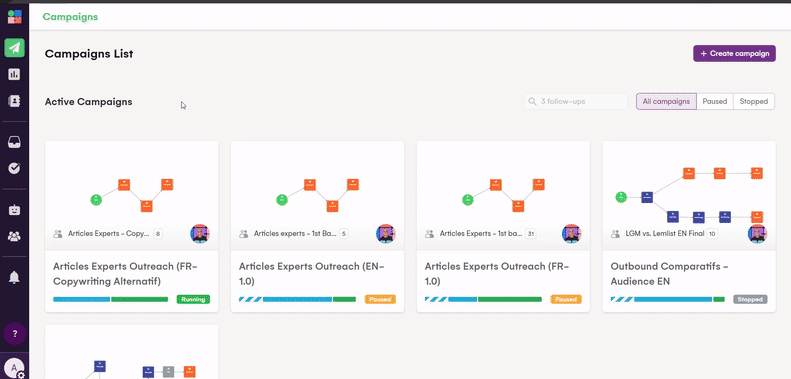
The main advantage of La Growth Machine is multichannel coordination. A campaign might start with a LinkedIn connection request, follow with an email message, and later trigger another social interaction if the prospect remains inactive.
All activity flows through a shared inbox, which helps teams keep track of conversations across channels.
Users often mention the platform’s usability and its integrations with CRM systems. For teams running structured outbound programs, those integrations make it easier to keep prospect data organized.
Pricing is noticeably higher than many LinkedIn-only automation tools. Plans usually range from €60 to €180 per user per month.
Some users also mention occasional technical friction during heavier usage, such as synchronization delays or interface lag.
La Growth Machine is for teams that want coordinated LinkedIn, email, and social outreach in one workflow.
Octopus CRM focuses on a straightforward promise: automate core LinkedIn prospecting tasks at a very low price.
Plans start around $9.99 per month, which places it among the cheapest tools in the LinkedIn automation category. Instead of trying to compete with full outbound platforms, Octopus CRM concentrates on the basic automation workflows many users need.

The platform covers the main actions most LinkedIn users want to automate. These include connection requests, bulk messaging, simple campaign funnels, and lightweight lead tracking.
For individuals or small teams just beginning to automate LinkedIn prospecting, that feature set often covers the essentials. User feedback frequently highlights strong value for the price.
The platform lacks the depth found in more advanced outbound tools. There is little support for multichannel coordination, AI personalization, or large-scale campaign management.
Teams that want to combine LinkedIn outreach with email campaigns, enrichment workflows, or more complex logic may need additional tools.
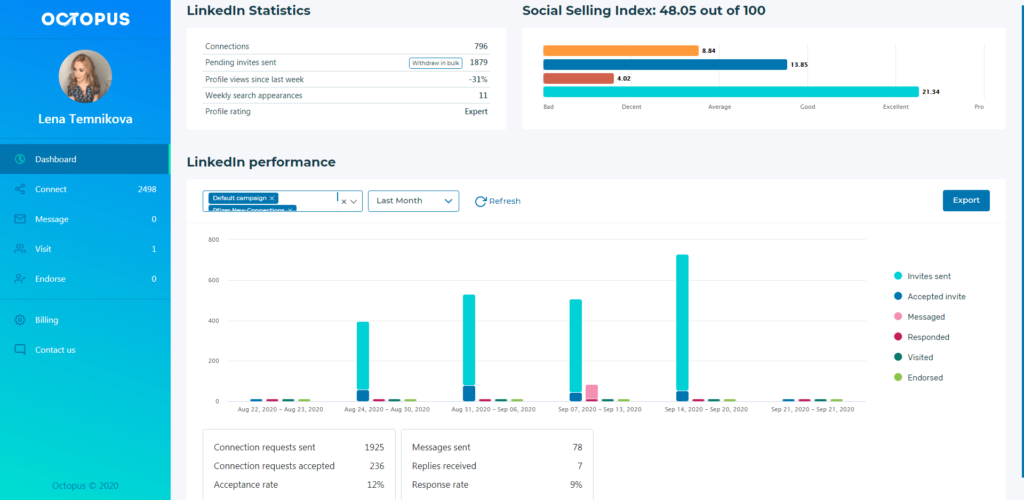
Octopus CRM works for budget-conscious users who want straightforward LinkedIn automation.
Overloop began as a CRM and email sequencing platform but has shifted toward a broader prospecting system. The product now focuses on lead discovery, email outreach, and AI-assisted prospecting workflows rather than deep LinkedIn automation.
Pricing usually starts around $69 per user per month.

Overloop’s strongest capability is prospect discovery combined with email outreach. Teams can find leads, manage email campaigns, and connect those activities to CRM systems from one platform.
Integrations with tools such as HubSpot, Pipedrive, and Salesforce make it easier to insert prospecting workflows into existing sales processes.
Some users also appreciate the platform’s ability to generate large prospect lists, which can help teams that focus heavily on outbound lead generation.
The platform places more emphasis on email than LinkedIn. While LinkedIn-related capabilities exist, they are not the core strength of the product, which does concern some users because of the complexity around scaling LinkedIn safely.
Teams that want advanced LinkedIn automation features such as sequence branching or account rotation may find the platform less specialized in that area.
Public review coverage also appears smaller than that of several larger outbound platforms.
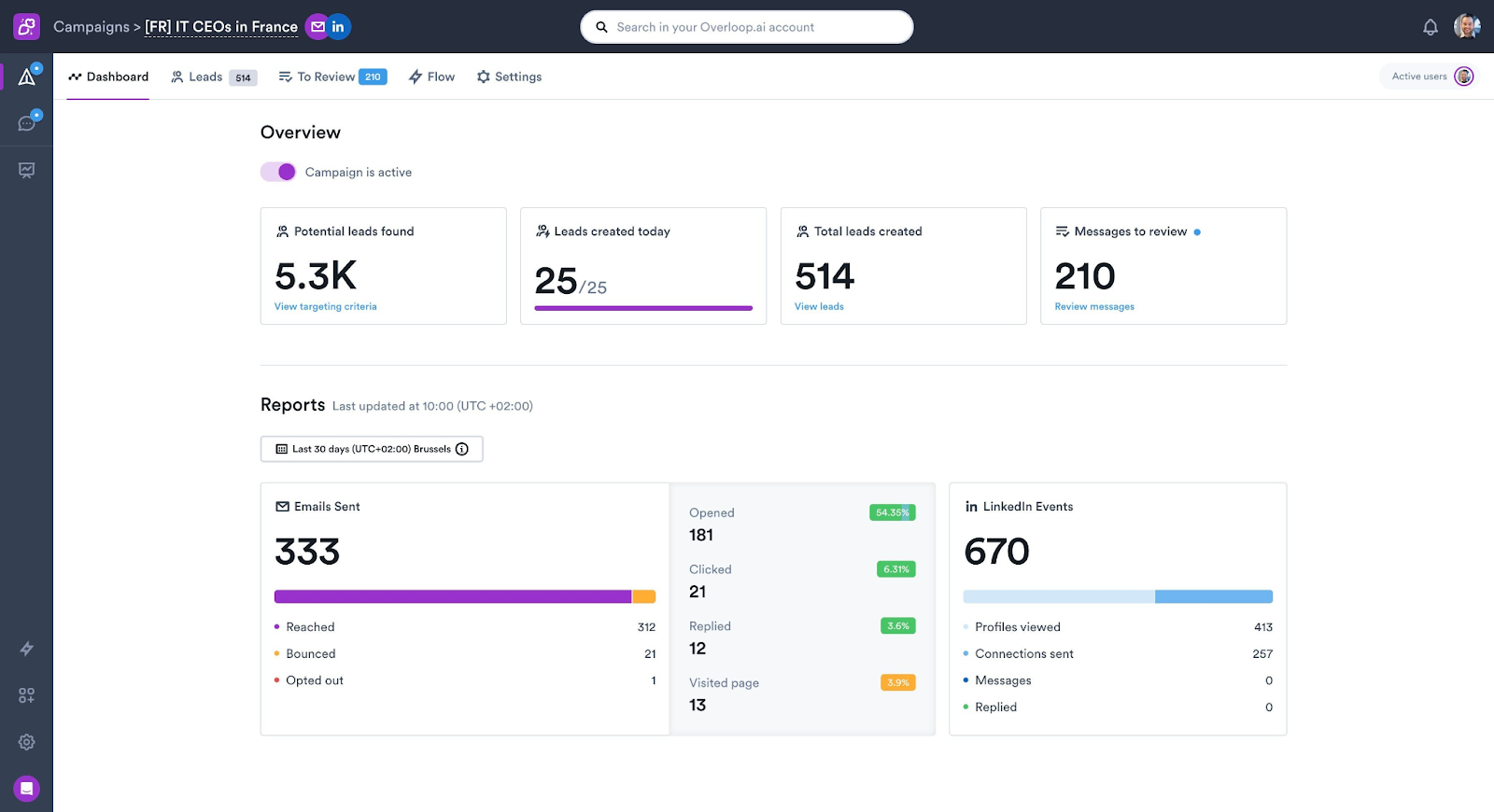
Overloop makes more sense for smaller sales teams that want prospecting and email in one place.
We-Connect is a LinkedIn-focused automation platform built for users who want a dedicated outreach tool without the extra sprawl that comes with broader sales engagement systems. The product stays close to its lane. It helps users automate connection requests, follow-ups, and LinkedIn messaging sequences, with a setup that is easier to grasp than many multichannel platforms.
Pricing usually lands around $69 to $79 per user per month, depending on billing.

We-Connect’s biggest strength is focus. The platform is built around LinkedIn outreach, so the product story is easy to understand from the start. Users do not have to sort through email infrastructure, call workflows, or a dozen adjacent features to figure out what the tool is for.
Campaign building is fairly straightforward, which lowers the barrier for onboarding. For teams that want to get LinkedIn campaigns live without a long setup process, that simplicity matters.
The same focus that makes We-Connect appealing can also make it feel limited. If a team wants LinkedIn outreach tied closely to email sequences, data enrichment, or deeper CRM automation, the platform may start to feel narrow.
It is also not the tool most buyers would choose for large-scale agency infrastructure or more advanced multi-account operations. It sits in a comfortable middle ground, which is useful for some buyers and restrictive for others.
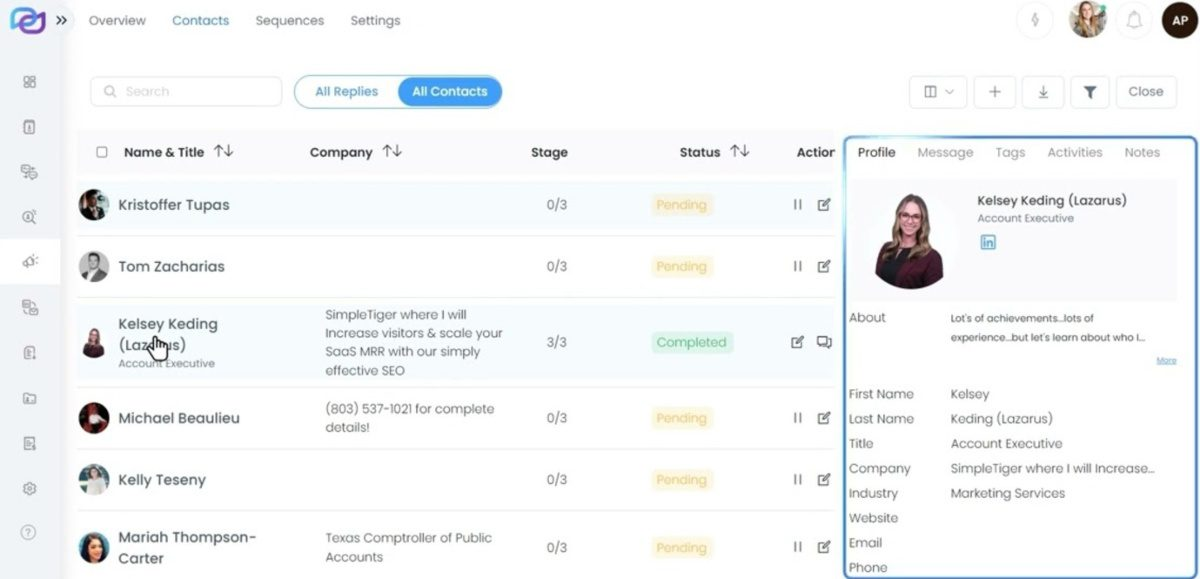
We-Connect is a good fit for users who want a dedicated LinkedIn platform without extra platform sprawl.
Closely presents itself as a LinkedIn automation platform with extra layers added on top, including AI personalization, enrichment, email outreach, and lead scoring. It is trying to bridge the gap between a simple LinkedIn automation tool and a broader outbound platform.
That makes the product more ambitious than a basic sequencer, though its pricing story can feel inconsistent across different sources.

Closely’s main appeal is that it reaches beyond pure LinkedIn activity. Users can run LinkedIn messaging workflows while also tapping into enrichment tools, email support, and lead-scoring functionality.
That broader scope gives the platform more strategic value than tools built only around profile visits and connection requests. It also suggests a stronger fit for team-based outbound rather than solo use.
The biggest drawback is clarity. Pricing references vary across sources, which can make the product harder to evaluate cleanly during comparison shopping.
The platform can also feel more operationally complex than users may expect if they are only looking for basic LinkedIn automation. Once enrichment and broader outbound functionality enter the picture, setup and evaluation become a little less straightforward.
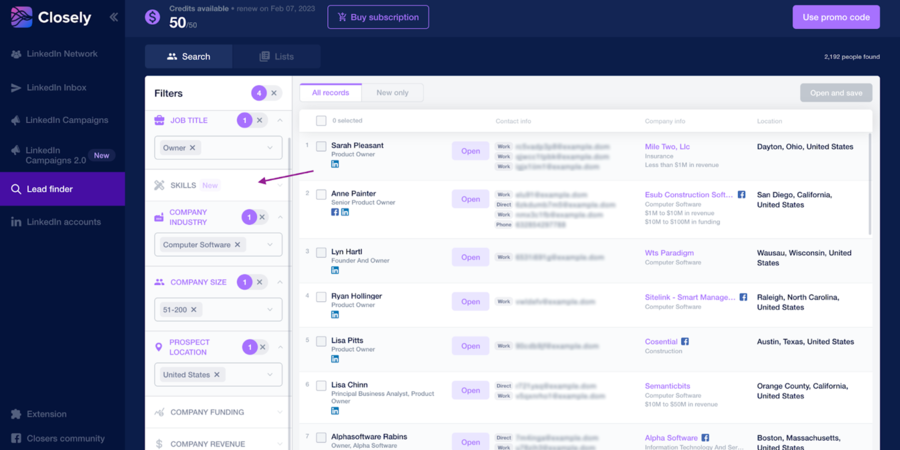
Closely is better suited to larger teams that want LinkedIn plus enrichment and prospecting support.
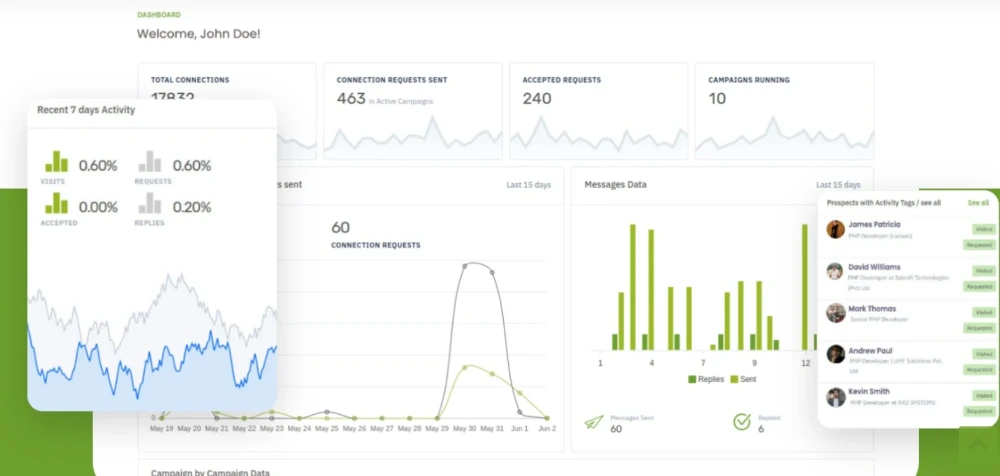
LiProspect is one of the harder entries to place with confidence right now. Earlier versions of the product focused on LinkedIn outreach automation, but current public material suggests the platform is in the middle of a relaunch.
That makes it difficult to pin down the present-day feature set, pricing, and adoption story with the same confidence you can apply to more established tools.

Based on the available material, LiProspect appears to be aiming for a more modern LinkedIn outreach experience. Messaging around sequence building, prospect enrichment, templates, and team collaboration suggests the product wants to offer something cleaner and more current than older automation tools.
Right now, uncertainty is the biggest issue. It is hard to verify current pricing, feature maturity, or market adoption with much confidence. Independent user feedback also appears limited, which makes it tougher to separate product potential from product reality.
For a buyer doing side-by-side evaluation, that ambiguity matters.
Right now, LiProspect feels more like a platform to watch than one to rank aggressively.
Instantly is one of the bigger names in cold email and outbound infrastructure right now. It often shows up in the same conversations as LinkedIn automation tools because many teams pair email and LinkedIn together, but the platform itself is still email-first.
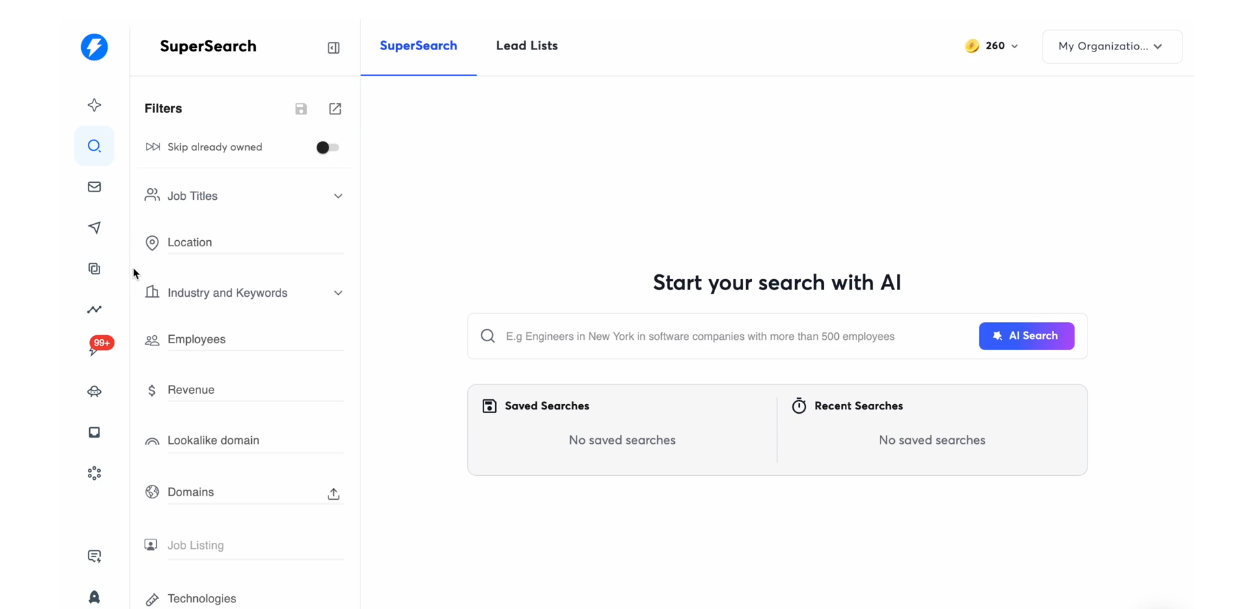
Its core value lies in large-scale email outreach, deliverability support, prospect databases, and campaign infrastructure.
Instantly is strong at scale. The platform combines outreach workflows, prospect data, AI features, and deliverability-focused infrastructure in one system, which removes a lot of the usual stitching between tools.
For teams running large cold email programs, that matters. Managing inboxes, campaigns, data, and analytics in one place can make outbound easier to run day to day.
The platform also benefits from broad market awareness and strong adoption inside the cold email community, which gives buyers more external proof than many smaller outbound tools can offer.
Instantly is not a direct replacement for LinkedIn automation. Teams that depend on LinkedIn messaging, connection workflows, or profile-driven outreach will still need another platform for that side of the motion.
That is not a flaw so much as a category mismatch buyers should understand clearly.
Instantly is best for email-first teams that want a serious cold-email engine.
Buzz positions itself as an all-in-one sales engagement platform for revenue teams and agencies. Instead of focusing on one channel, it combines outreach automation, lead generation, contact data, intent signals, and AI support inside one system.
Buzz’s strongest angle is consolidation. For teams tired of managing one tool for data, another for engagement, and another for intent, an all-in-one system can be appealing.
The platform may also appeal to teams that like broad platform coverage more than specialized point solutions.
The challenge is that a broad product story does not automatically equal strong market confidence. Public sentiment appears more mixed than with some larger competitors, and that can affect how cautious buyers view the platform.
When a tool tries to cover a lot of ground, buyers often want stronger proof that it does each part well. That is where hesitation can creep in.
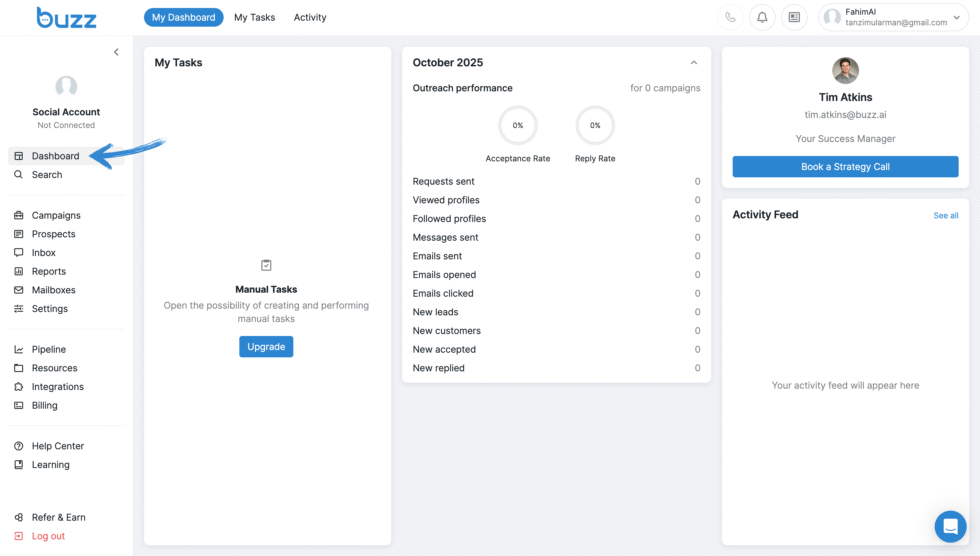
Buzz is better suited to teams that want a consolidated engagement stack than to users looking for deep LinkedIn-specific automation.
CoPilot AI positions itself as a premium AI-driven prospecting platform built around LinkedIn outreach. The product leans heavily into AI-generated messaging, lead filtering, and campaign guidance.
Pricing usually starts around $199 per month, which places it firmly in the premium tier for LinkedIn prospecting tools.

CoPilot AI is built for users who want guidance, not just software access. The platform tries to help users improve targeting, message quality, and campaign performance through AI-assisted recommendations.
That can be useful for teams that want a more structured prospecting process instead of building everything manually. The platform feels less like a bare automation engine and more like a guided prospecting environment.
For some buyers, that added support can justify the higher price.
Price is the obvious barrier. Compared with many other LinkedIn automation tools, CoPilot AI sits high enough that smaller teams may struggle to justify it.
Public user validation also appears lighter than with some longer-established competitors, which can make side-by-side benchmarking more difficult.
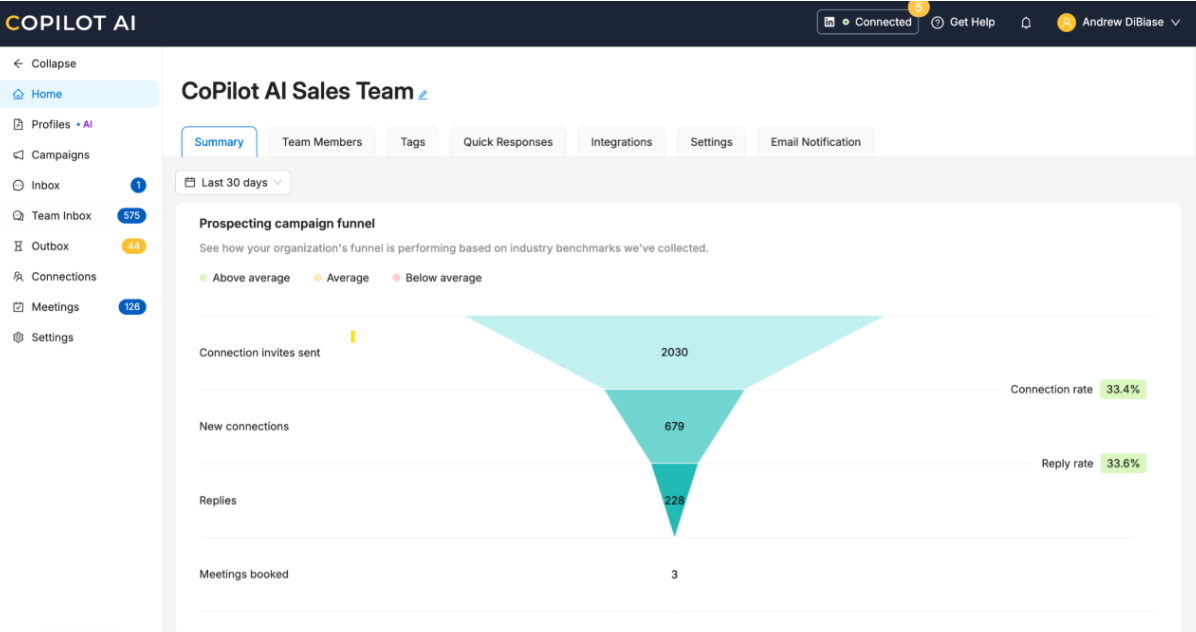
CoPilot AI fits buyers who want a more guided LinkedIn prospecting experience and are comfortable paying for it.
SalesRobot positions itself as a modern LinkedIn automation platform with workflow support and AI-driven features layered into the product. Pricing usually falls between $59 and $99 per month, which keeps it in the mid-range of the category.
The platform is clearly trying to present itself as more current than older LinkedIn automation tools.

SalesRobot includes features that help it feel more modern than some legacy products. A/B testing, webhook support, team management, and AI-driven appointment-setting capabilities all give it a broader feel than a simple connection-request tool.
That makes it appealing to teams that want LinkedIn automation supported by some workflow logic and downstream integration.
The product story also lines up with how many teams now think about outbound, where LinkedIn activity is part of a broader operational system rather than a standalone action list.
The public footprint still appears smaller than that of more established competitors. The feature set looks promising, but the available user base and review volume make it harder to judge long-term reliability with full confidence.
That does not make it a weak product. It just means buyers may have less external validation to work with.
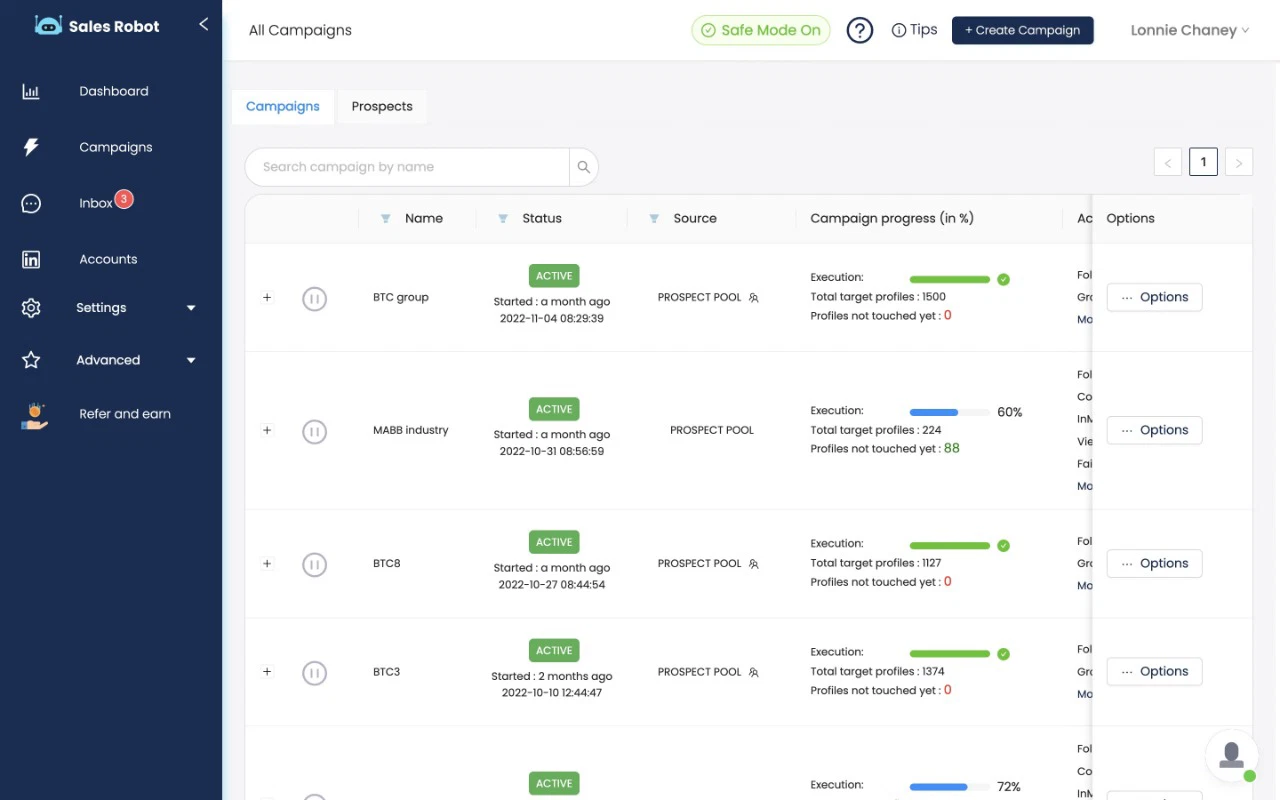
SalesRobot is a fit for teams that want a newer LinkedIn tool with workflow support and AI features.
Prosp positions itself as an AI-driven LinkedIn outbound platform for agencies and sales teams. Its messaging leans into hyper-personalized outreach, scalable campaign management, and multi-account coordination.
Compared with older invite-and-follow-up tools, the product feels more aligned with current outbound language and buyer expectations.

Prosp’s strongest point is positioning. It sounds like a product built for the current phase of outbound, where teams care about personalization, scale, and operational control more than simple action automation.
Features help it feel more relevant than legacy tools that stopped evolving.
Its documentation around safety practices and sending controls also suggests the company understands the practical concerns buyers have around LinkedIn outreach.
The biggest limitation is public proof. Review coverage appears lighter than with larger competitors, and some pricing details seem to surface indirectly rather than through a very clean, transparent pricing story.
That makes early evaluation slightly harder than it should be.
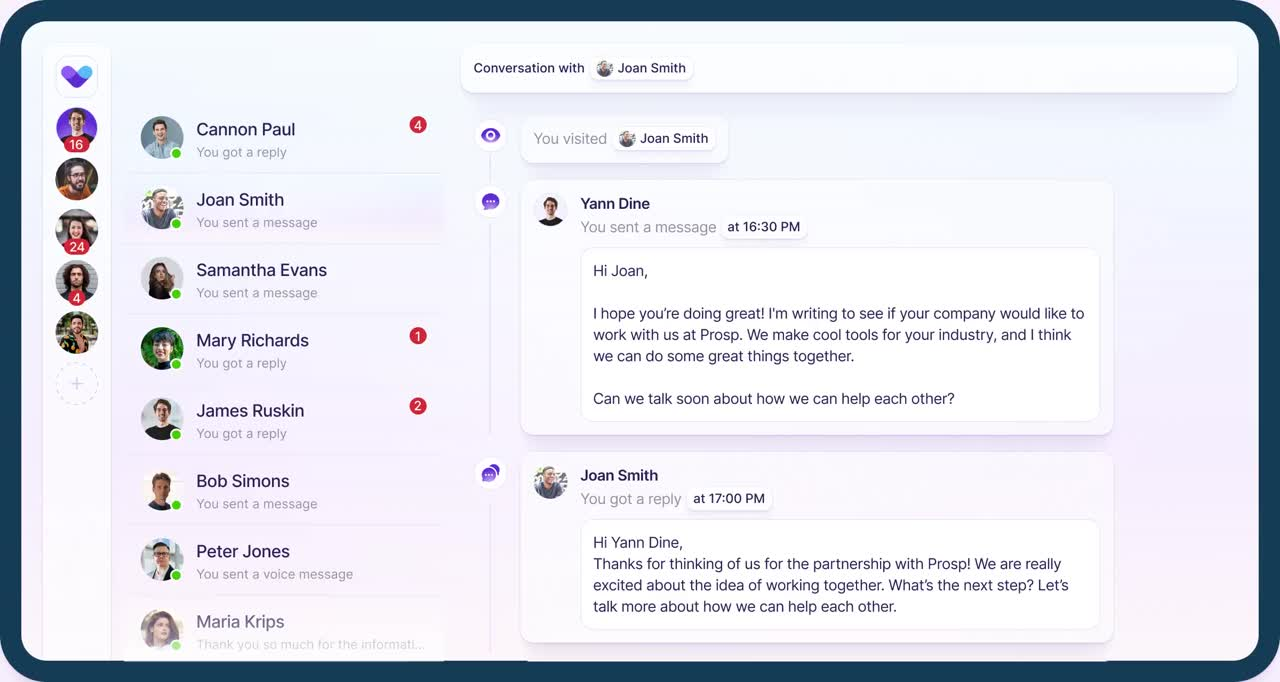
Prosp fits agencies and teams that want a modern LinkedIn platform with AI flavor and multi-account positioning.
Meet Alfred sits between a LinkedIn-focused automation tool and a lighter multichannel platform. It supports LinkedIn outreach, email, and X while keeping the product accessible enough for SMBs and lean teams.
That middle position gives it wider appeal than some browser-extension-style tools.

Meet Alfred’s strength is scope without becoming overly heavy. It covers LinkedIn groups, events, Sales Navigator, InMail automation, email, and X, which gives users a fair amount of flexibility.
For SMBs, that can be a useful sweet spot. The platform does more than a basic LinkedIn automator, but it does not feel as operationally heavy as a full enterprise engagement suite.
Users looking for some multichannel reach without the complexity of a large stack may find that balance appealing.
A fair amount of the visible public narrative around Meet Alfred is still shaped by the vendor’s own comparison content. That does not weaken the product itself, but it can make the market story feel a little more polished than independently validated.
It also sits in an in-between category. It is broader than basic tools, but it is not always the strongest option for very large agency environments or teams that need complex outbound infrastructure.
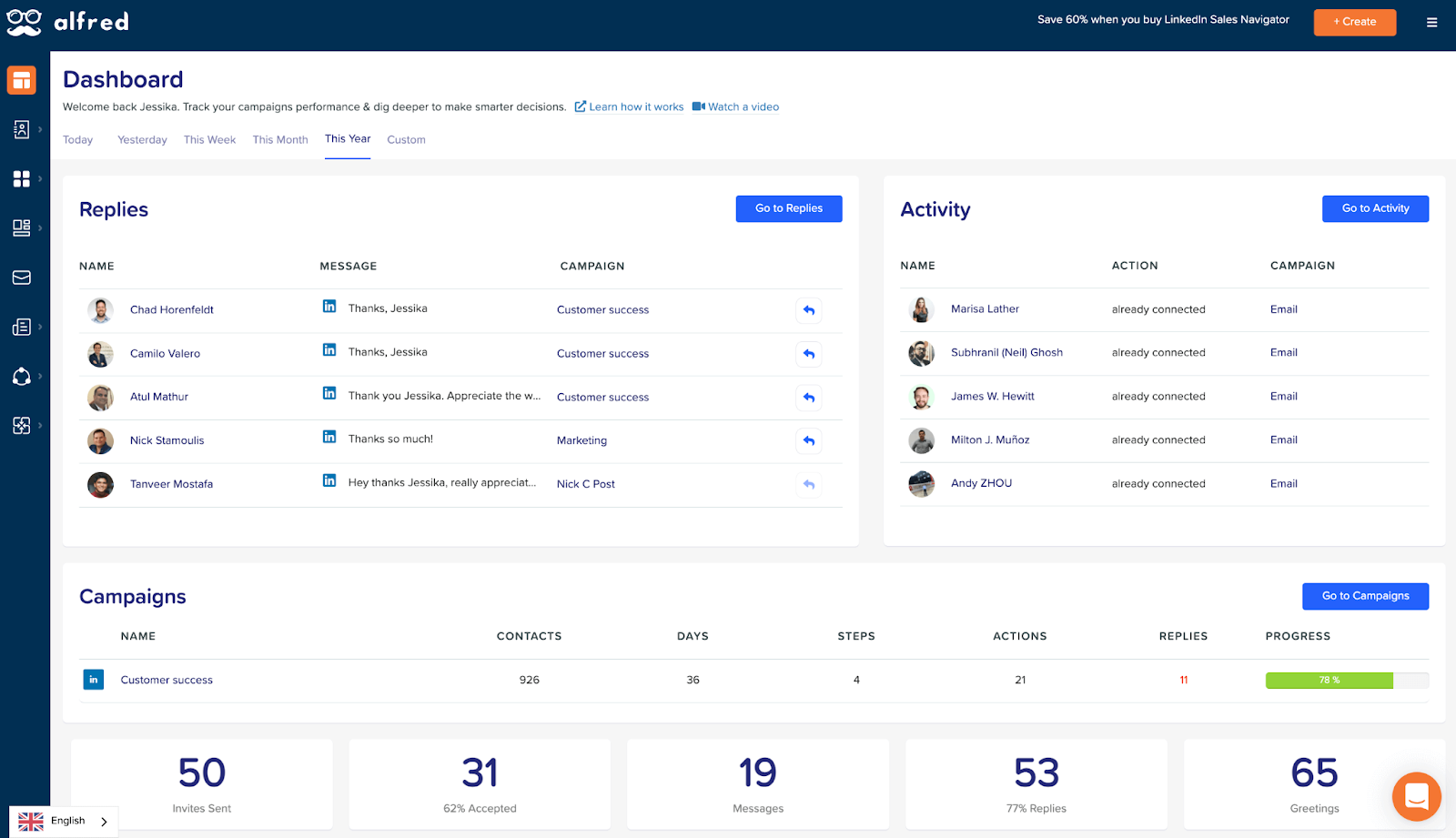
Meet Alfred is good for smaller teams that want LinkedIn-first outreach with some multichannel upside.
Reply.io is much bigger than a simple LinkedIn automation tool. It is a full sales engagement platform with LinkedIn included inside a much broader outbound system.
The platform spans email, LinkedIn, calls, AI workflows, and team-level use cases, which makes it feel more like an outbound operating system than a single-purpose tool.

Reply.io’s biggest strength is breadth. Teams can manage several layers of outbound from one platform instead of piecing together separate tools for email, LinkedIn, and workflow management.
That matters for organizations running structured outbound motions with more than one channel involved. The platform offers more strategic value than a tool that only automates LinkedIn steps.
That breadth can come with both cost and complexity. Once data, add-ons, LinkedIn functions, and AI features are included, the platform can become more involved than a buyer initially expects.
For teams whose only real need is simple LinkedIn campaign automation, Reply.io may feel like too much system for the job.
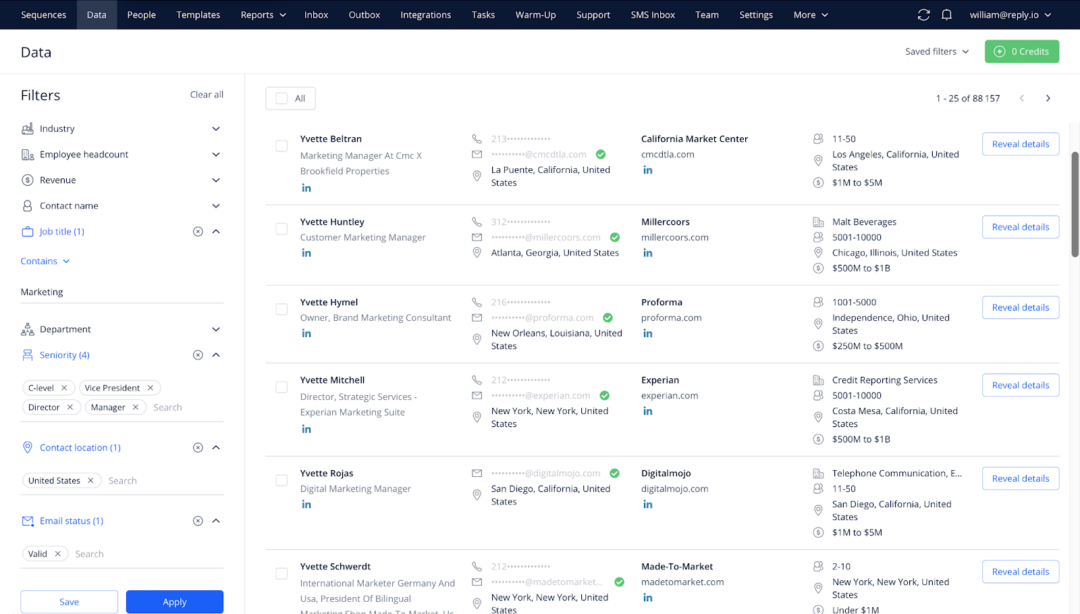
Reply.io is best for teams building a real multichannel outbound system.
Lempire is harder to place neatly because it is not really one standalone outreach product in the same sense as the others on this list. It is better understood as a GTM ecosystem with stronger recognition around the umbrella brand than around one single product definition.
That can make it feel both visible and slightly awkward inside a straight tool comparison.

The main advantage is brand familiarity. Buyers who already know the Lempire world often associate it with modern outbound, experimentation, and a wider GTM toolkit, especially their outbound product, Lemlist.
That kind of brand recognition matters, especially among teams already familiar with adjacent products in the ecosystem.
From a comparison standpoint, it is not a clean one-product match. Comparing a broader GTM brand against a standalone platform with one pricing structure and one workflow story can get messy fast.
In many cases, it makes more sense to compare the specific product under the umbrella rather than the umbrella brand itself.
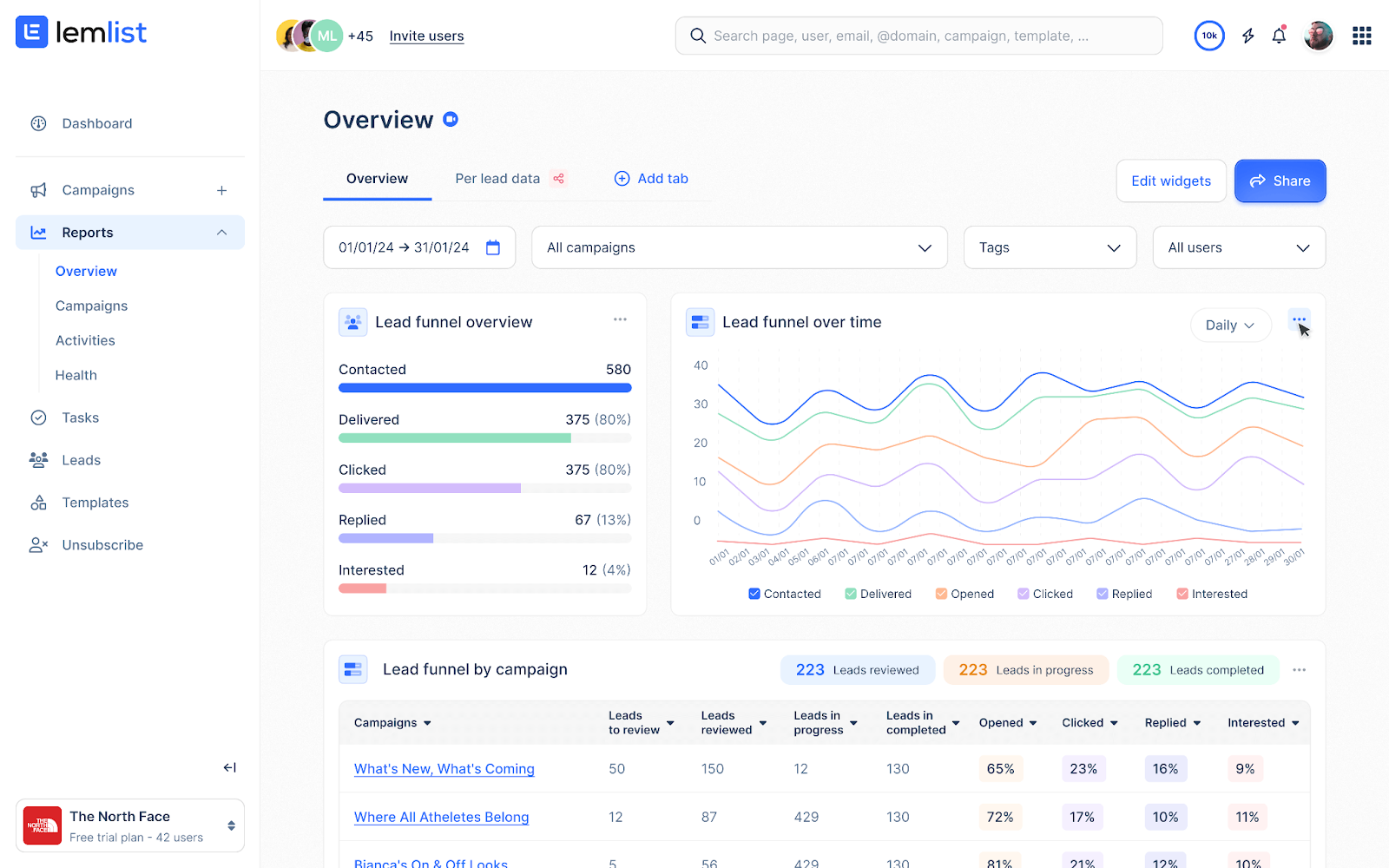
Lempire works better as an ecosystem mention than as a direct one-to-one tool comparison.
Snov.io is an all-in-one prospecting and outreach platform with LinkedIn-related support, not a pure LinkedIn automation product. It combines email finding, CRM-like features, multichannel outreach, and sales automation under one broader product story.
That places it in a wider category than tools built mainly around LinkedIn activity.
Snov.io’s strongest argument is consolidation. Small teams can use it for prospecting, email discovery, outreach, and LinkedIn-supported workflows without stitching together separate tools for each stage.
That can be especially appealing for SMBs that want a simpler stack and do not need a best-of-breed setup for every category.
It is not the cleanest head-to-head comparison against dedicated LinkedIn automation tools. LinkedIn support is present, but it is not the whole story. It can also pe pretty pricy compared to other options.
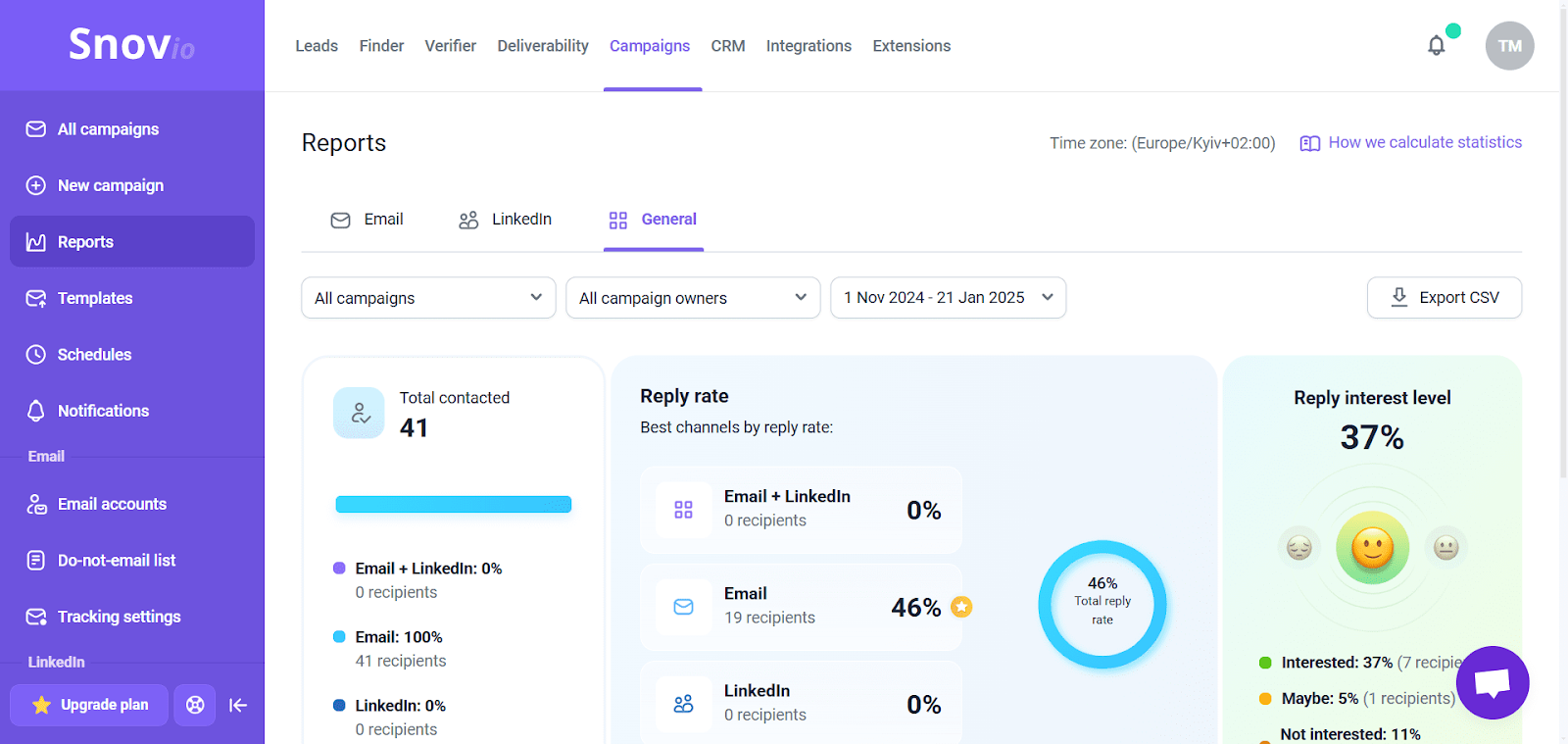
Snov.io is a fit for SMBs that want fewer tools and a broader outbound stack.
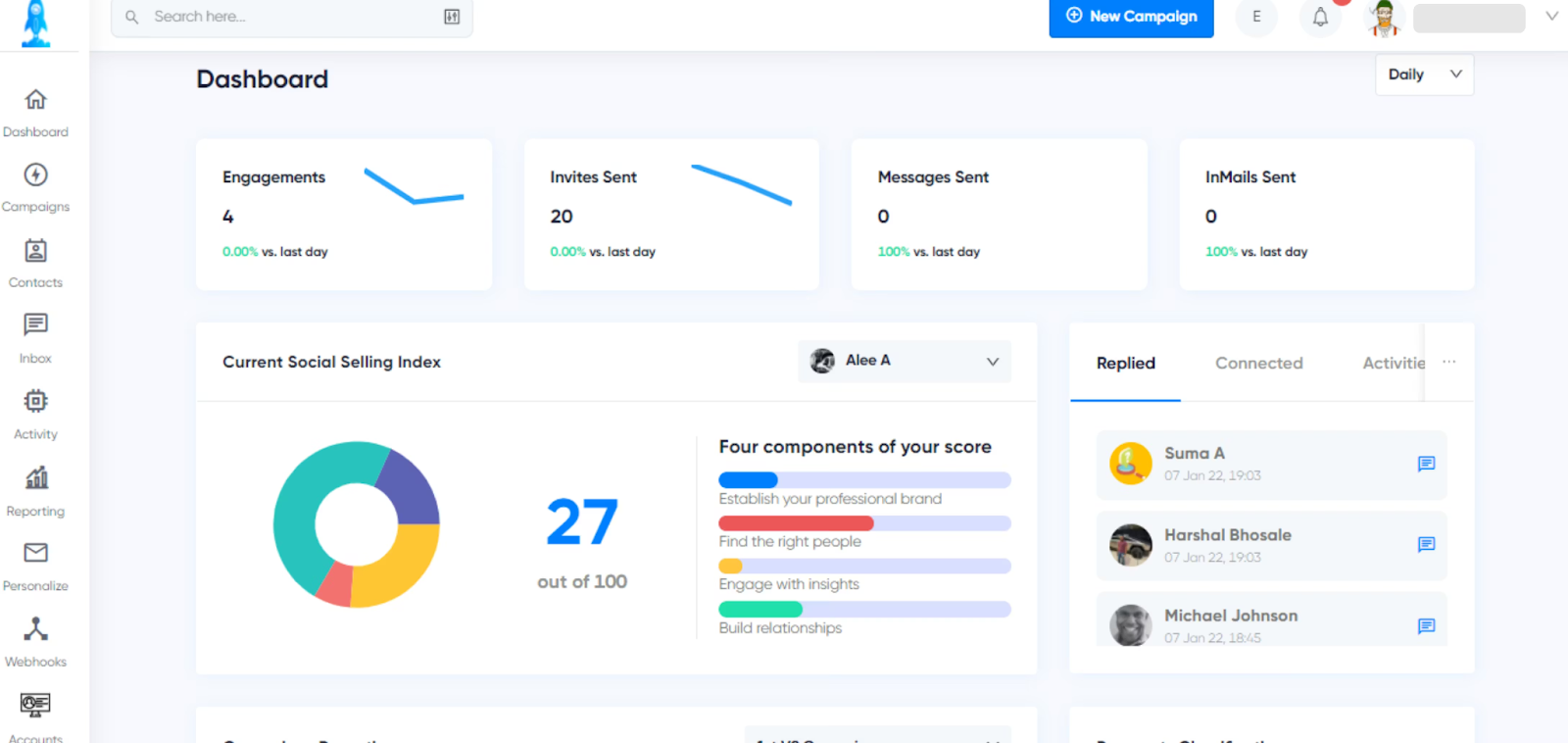
LinkedCamp positions itself as a cloud-based LinkedIn and email automation platform with a relatively simple value proposition. It is not trying to become a giant sales operating system. The promise is more direct: help users run LinkedIn and email lead generation without turning the stack into a mess.
That simplicity is part of its appeal.
LinkedCamp’s clearest strength is clarity. Buyers can understand the product story quickly, which matters in a category where too many tools try to say everything at once.
It appears to offer a focused LinkedIn-plus-email proposition that can work well for users who want more than LinkedIn alone, but less than a sprawling engagement suite.
The main limitation is market validation. Public review coverage appears lighter than with stronger category names, which makes it harder to present LinkedCamp as a mainstream recommendation with the same confidence.
That does not mean the product is ineffective. It just means the broader proof base is smaller.
LinkedCamp is best for buyers who want a straightforward LinkedIn and email automation tool.
Salesflow is a dedicated LinkedIn outreach platform aimed at teams that want a focused product rather than a broad multichannel engagement stack. Its pricing sits in the middle of the market, and the product appears designed to automate the core LinkedIn workflows most teams care about.
That focus is one of its strengths.
Salesflow presents a clean product. It automates LinkedIn outreach, reduces repetitive prospecting work, and gives teams a purpose-built environment for running campaigns.
That kind of clarity works well in a crowded category where buyers often struggle to understand what a product is actually trying to do.
Where Salesflow appears lighter is in broader outbound depth. It does not seem as full-featured as true multichannel platforms, and there are indications that enrichment or wider data capabilities are not as tightly built in.
Some buyers may also encounter friction during setup or campaign handling, which matters more for lean teams that want fast deployment.
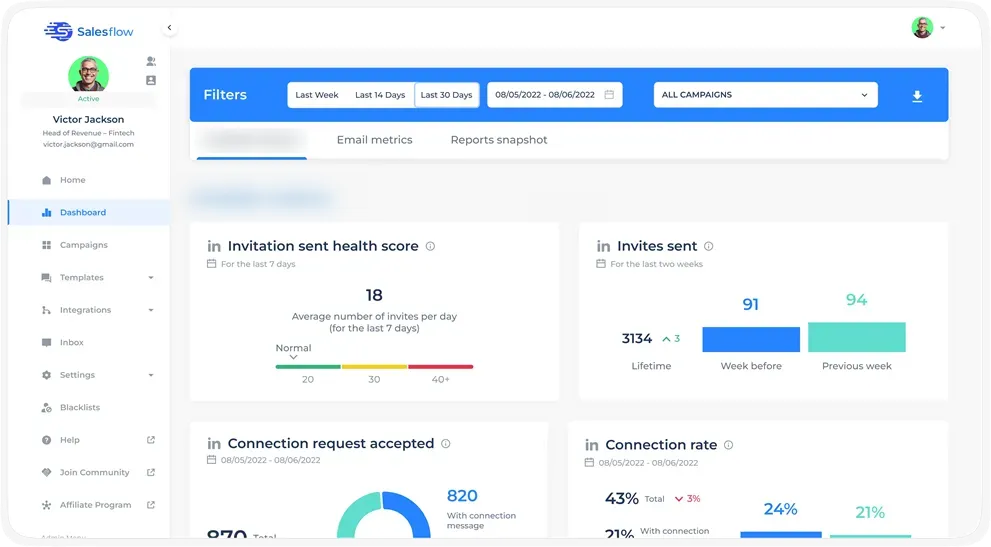
Salesflow is a fit for teams that want a mature LinkedIn-specific tool without moving into bigger engagement platforms.
LinkedRadar positions itself as a LinkedIn automation platform with built-in CRM functionality and a visible emphasis on account safety. Warm-up pacing, daily limits, and human-like behavior controls are central to the product story.
That makes it stand out from tools that focus mainly on raw output.

The strongest angle here is the safety-oriented positioning. Features such as gradual warm-up, action limits, country-based IP options, and behavior controls are likely to appeal to buyers who care deeply about account risk.
The built-in CRM functionality also adds practical value for users who want light lead management alongside automation.
The pricing and positioning does not appear especially clean in public. Some of the strongest safety language surfaces through third-party summaries rather than a perfectly centralized official narrative.
It also feels more niche than several larger brand-name competitors, which may affect buyer confidence.
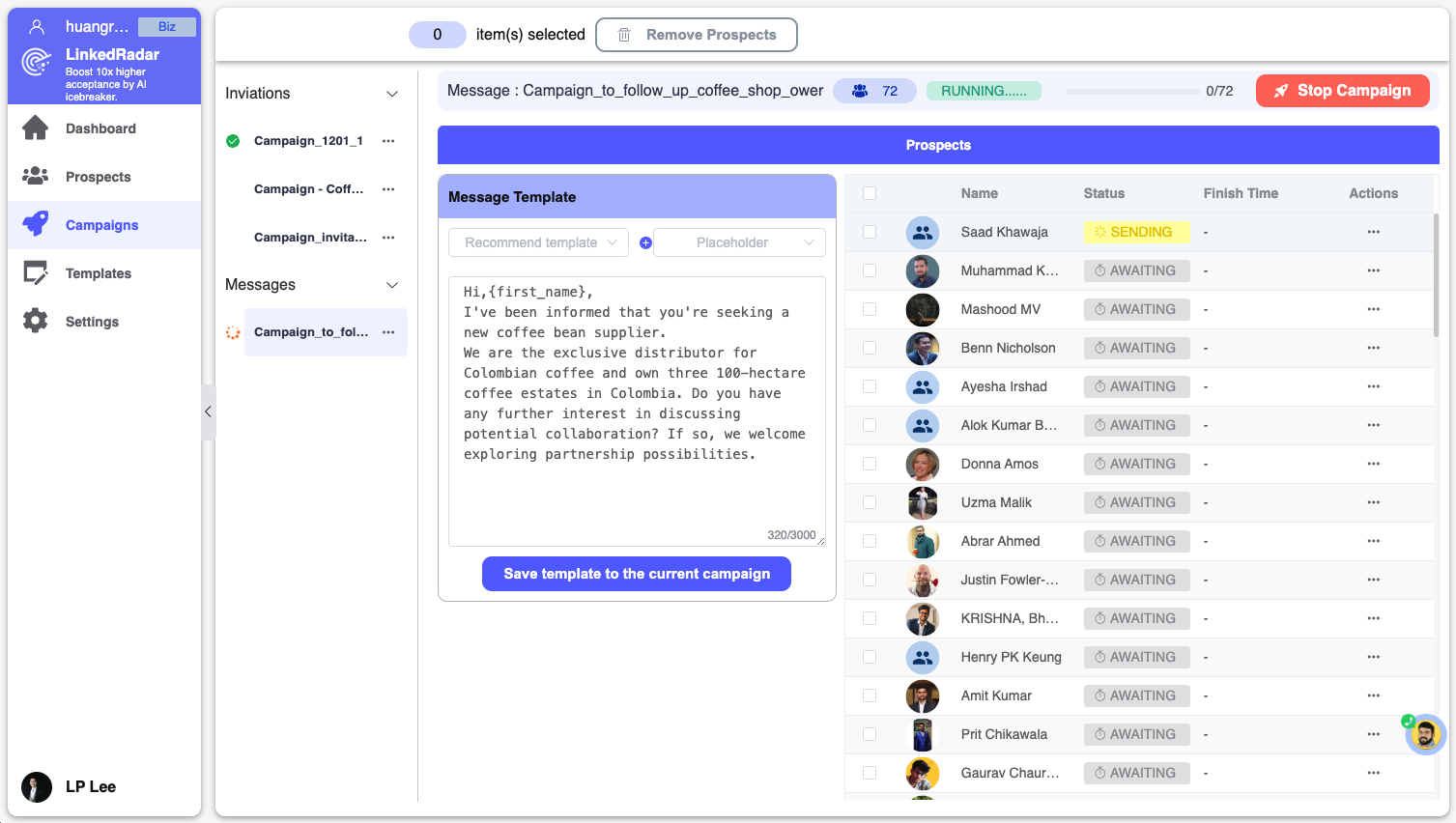
LinkedRadar fits users who want LinkedIn automation with light CRM support and a clear safety angle.
Aimfox looks like an emerging LinkedIn outreach platform with a low entry price and a few more modern touches than typical budget tools. Public positioning suggests support for team workflows, unified inboxes, dedicated IPs, and geo-based proxy infrastructure.
That gives it a more ambitious feel than many cheap automation utilities.
Aimfox’s clearest strength is value. It appears to offer a lower-cost entry point into LinkedIn automation while still including operational features that feel more current than bare-bones budget tools.
Team support, pacing controls, and infrastructure details help it feel more serious than a basic starter product. That can make it attractive to smaller sales teams that want something affordable without feeling stripped down.
The biggest limitation is maturity. Independent review depth appears thin, and much of the clearer information still seems to come through third-party commentary rather than a very strong neutral footprint.
That makes it harder to compare confidently against more established names.
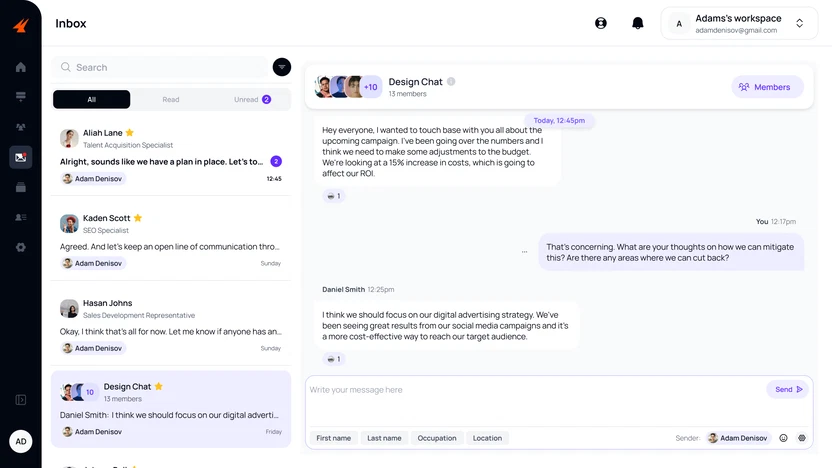
Aimfox is worth a look for smaller teams that want affordable LinkedIn automation with a more current feel.
Ciro is not really a LinkedIn automation tool in the classic sense. It is closer to an AI prospecting and data productivity platform that helps teams find qualified contacts, enrich records, and draft outreach.
That means it lives more upstream in the sales process than tools built around automating LinkedIn actions themselves.

Ciro’s biggest strength is speed in prospecting. For GTM teams that spend too much time building lists, refining ICPs, and researching contacts manually, the value proposition is easy to understand.
It helps reduce the time spent preparing opportunities, which can matter just as much as automation later in the sequence. In that sense, it functions more like a research and prospecting accelerator than a sequencer.
Because of that positioning, it is not a direct replacement for LinkedIn automation tools. Comparing it head-to-head with platforms built for connection requests, message sequences, and LinkedIn workflow automation would be misleading unless that distinction is made clear.
Its review footprint also appears lighter than its product-discovery visibility.
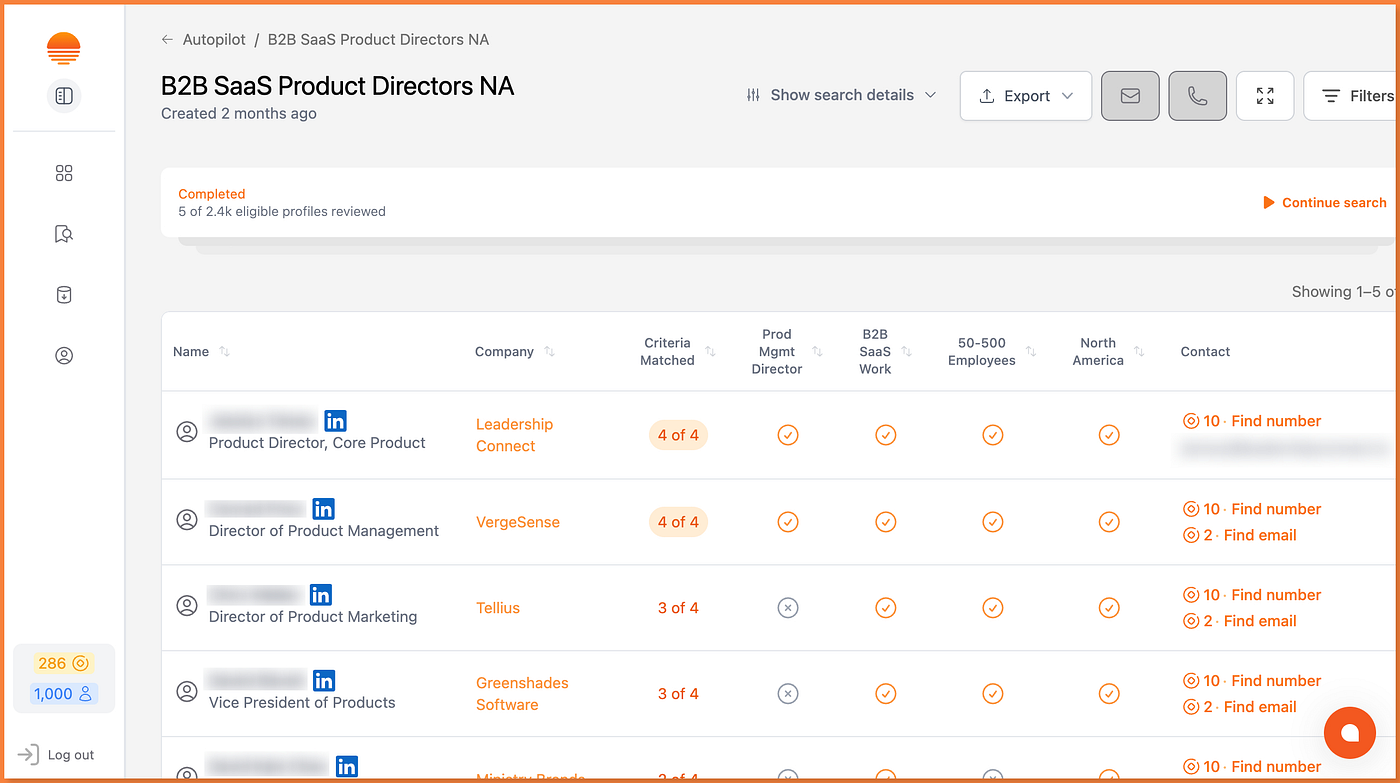
Ciro belongs in the prospecting layer of the stack, not the LinkedIn action layer.
Artisan is an all-in-one outbound platform built around an AI BDR, not a simple automation product. Its pitch is much bigger than helping users send messages faster. The platform is designed to identify prospects, research them, and generate personalized outreach through its AI representative, Ava.
That makes Artisan feel more like outsourced outbound infrastructure than a self-serve tool.
Artisan’s biggest strength is delegation. It is built for teams that want more than software access. Instead of handing users a set of tools and asking them to run everything manually, the product leans into an AI-led outbound model.
For well-funded teams that want to offload research and outreach execution, that can be attractive. The platform also benefits from premium positioning, which helps it feel distinct from lower-cost automation products.
The main drawback is likely commitment level. Artisan does not look like the kind of tool a buyer casually signs up for on a small monthly plan and tests over a weekend.
Pricing appears to live in a more consultative category, and the higher-touch model, with plans starting upwards of $1000 a month, and may feel less flexible for teams that like to experiment constantly or stay deeply hands-on.
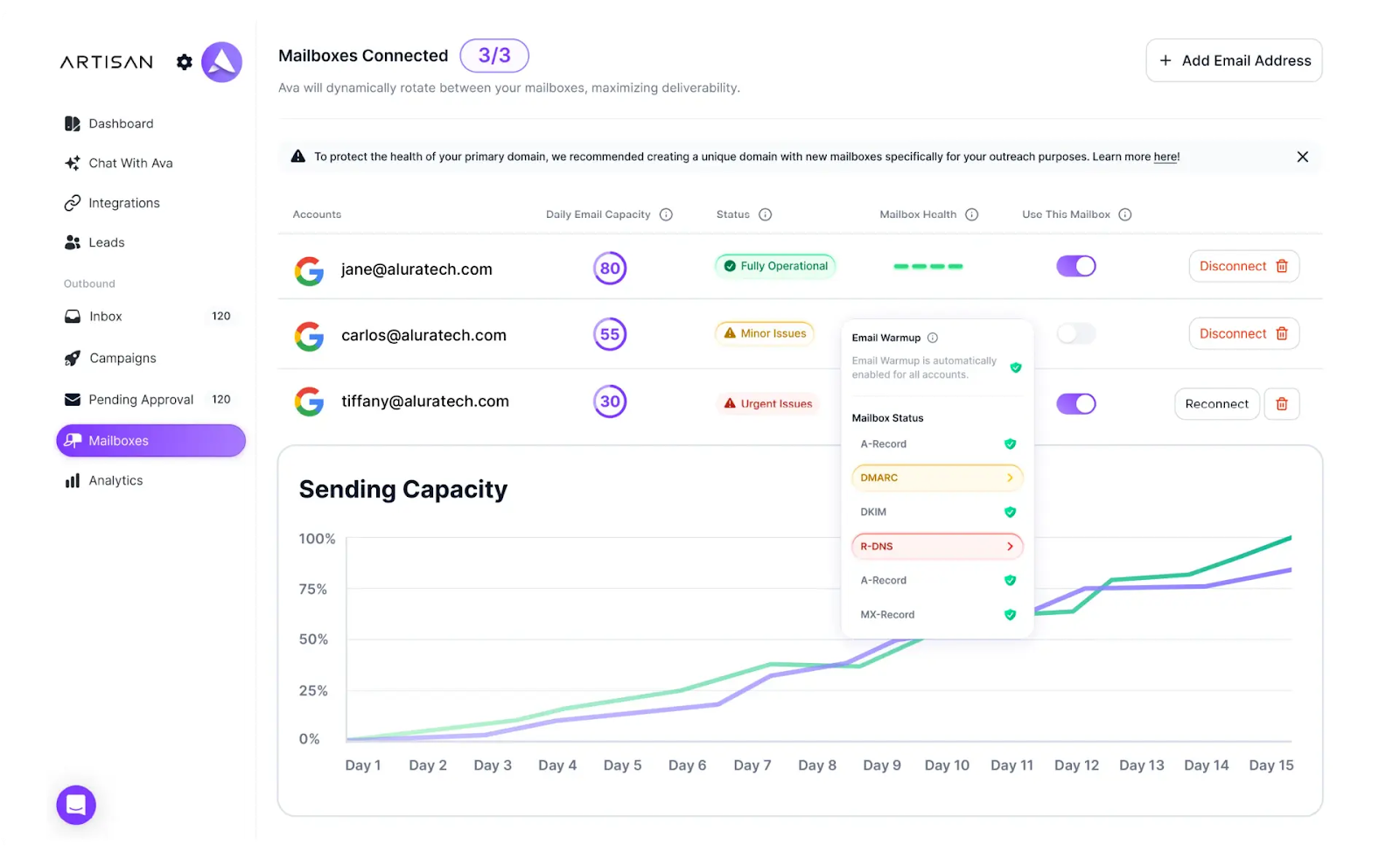
Artisan works for well-funded teams that want AI-led delegation more than DIY workflow control.
Syndie looks more like an AI-driven prospecting platform than a classic LinkedIn automation tool. Its value proposition centers on finding strong-fit leads, customizing outreach, and helping teams generate meetings rather than automating a narrow set of LinkedIn actions.
That puts it closer to the AI prospecting category than the traditional LinkedIn workflow bucket.

The pitch is current and appealing. Syndie seems built around fit-based lead discovery and AI-assisted outreach, which matches where a lot of outbound teams are heading.
For teams tired of repetitive list building and manual research, that value proposition lands well. Framing success around meetings and pipeline instead of raw activity also makes the story stronger.
The challenge is validation. Public pricing visibility appears limited, and the broader market footprint looks thinner than that of more established competitors.
That makes it harder to benchmark confidently.
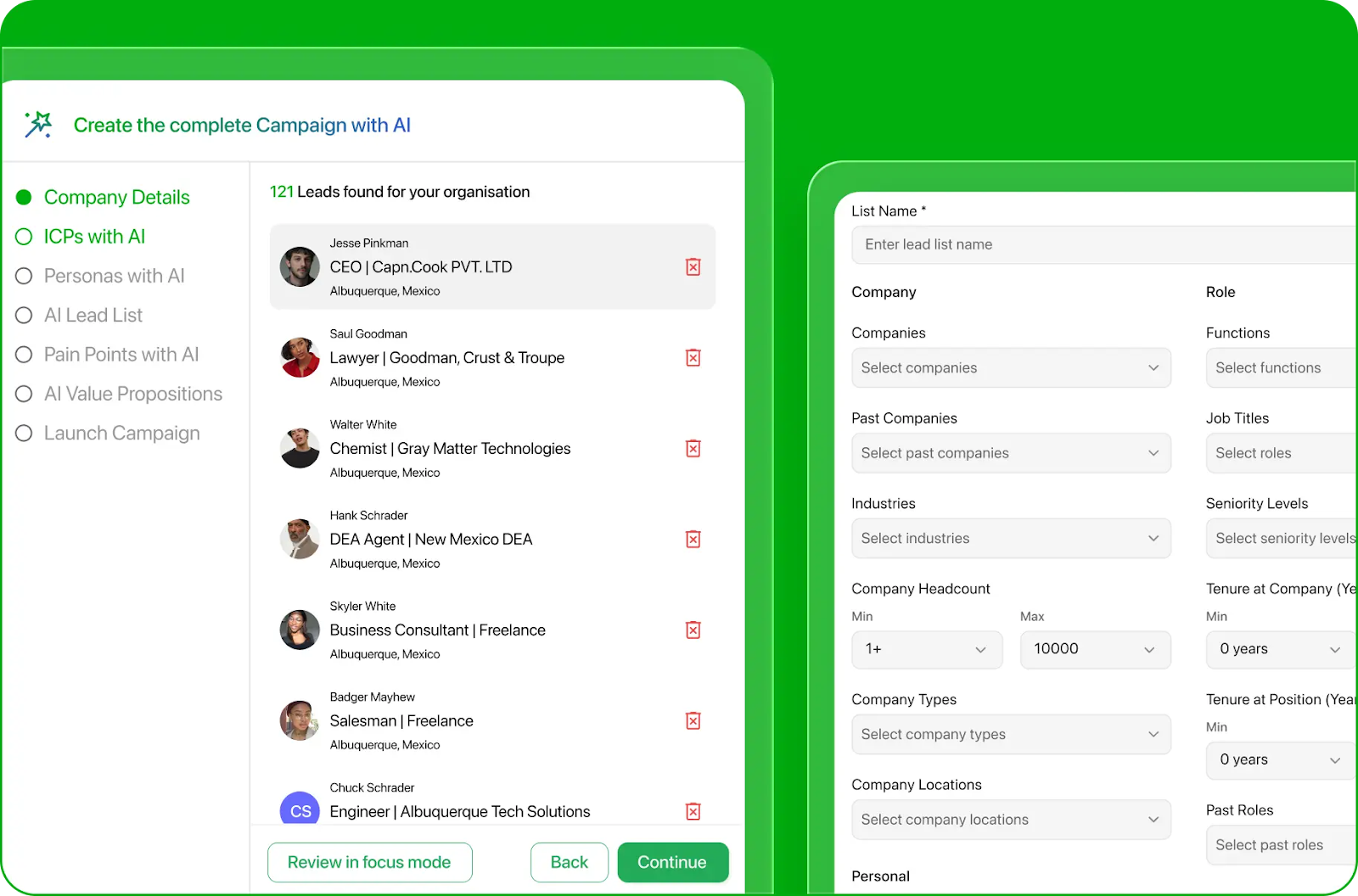
Syndie belongs more in the emerging AI prospecting bucket than in classic LinkedIn workflow automation.
SmartReach is a broader sales engagement platform that includes LinkedIn as one part of the system rather than making it the center of the product. Its wider proposition includes cold email, calling, inbox rotation, warmup, AI automations, and agency-friendly workflows.
That makes it a better fit for multichannel teams than for buyers looking for a pure LinkedIn-first product.

SmartReach is strong for teams running multichannel outbound at scale. Inbox rotation, warmup, prospect capacity controls, AI automations on higher tiers, and client-facing workflow options all make it useful for teams managing a larger outbound machine.
For email-first teams that still want LinkedIn available inside the stack, that setup can be practical and efficient.
The downside is that LinkedIn does not appear to be the core identity of the product. Buyers who want deep LinkedIn-native workflows without broader platform complexity may find it less compelling than a more focused alternative.
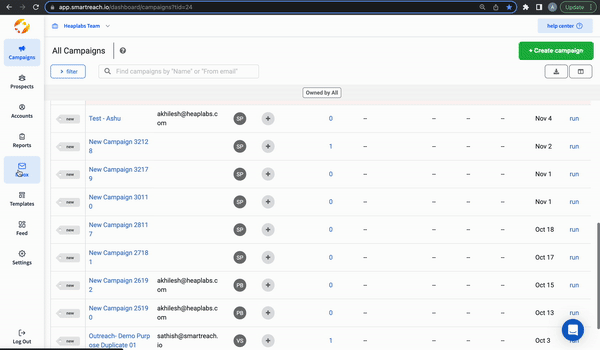
SmartReach is best for email-first or multichannel teams that want LinkedIn available inside a broader system.
Enginy appears to sit in the AI sales or AI SDR category rather than the self-serve SaaS category. Its pricing seems more consultative than transparent, which suggests it is targeting teams evaluating broader AI outbound systems rather than buyers looking for a simple monthly automation product.

The positioning is current. For teams exploring AI-assisted pipeline generation, a more customized pricing model can sometimes be a benefit because it allows for packaging, support, and implementation that fit more complex use cases.
The broader AI-sales framing may also appeal to buyers who are not looking for a simple tool, but for a bigger operating model.
The biggest drawback is pricing opacity. In side-by-side comparison shopping, tools that are harder to understand usually lose momentum.
Without strong public validation or clear pricing, Enginy becomes harder to place confidently in a best-tools article.
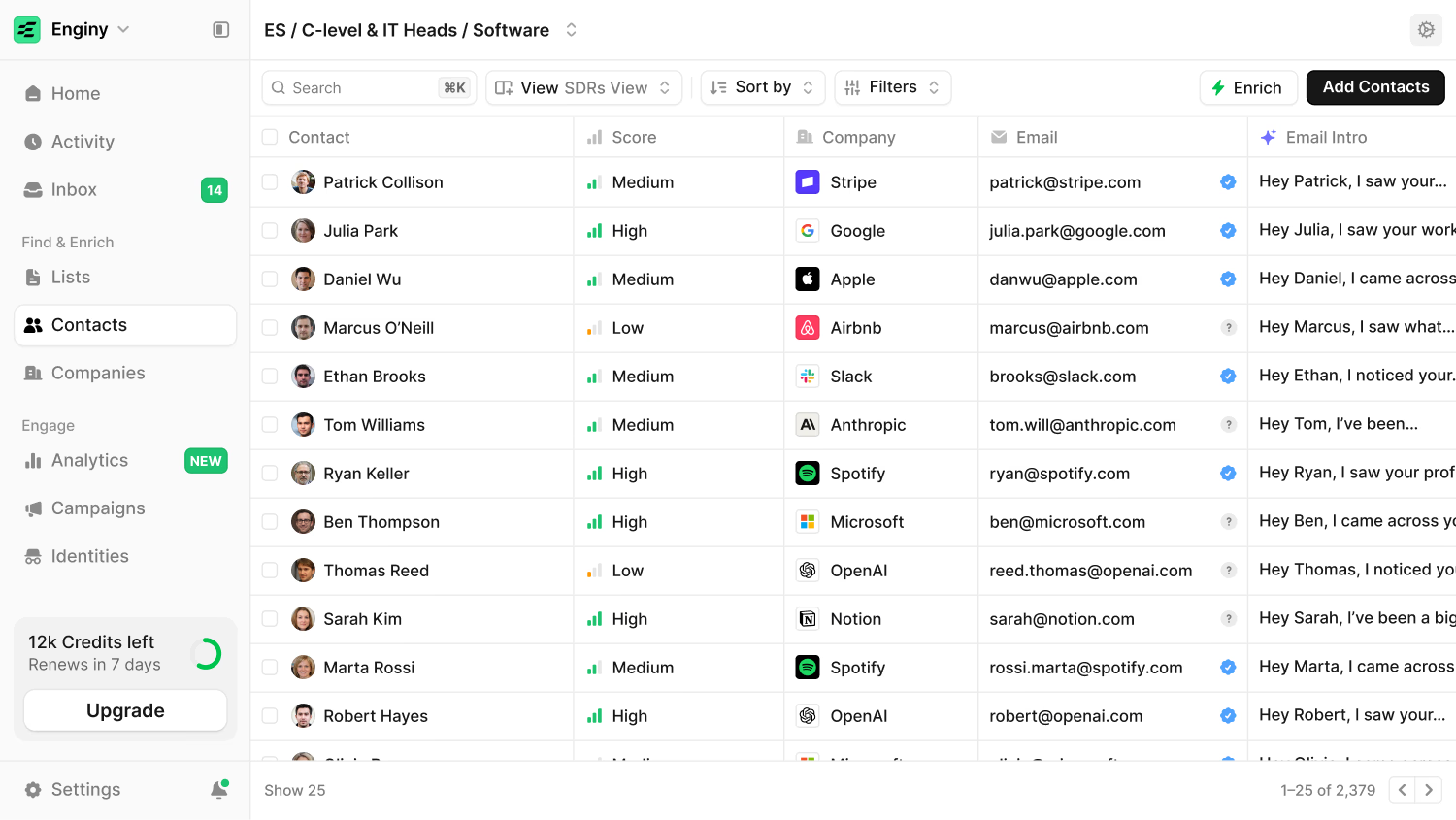
Enginy is better suited to teams evaluating broader AI outbound solutions than to buyers looking for a simple LinkedIn automation tool.
Humanlinker sits in a hybrid category between AI sales assistant, personalization engine, sales intelligence tool, and engagement support platform. The product is less about automating a high volume of actions and more about helping teams write better outreach and target more intelligently.
That gives it a different feel from classic LinkedIn automation tools.

Humanlinker appears strongest in personalization and outreach preparation. It helps teams improve message quality, targeting, and prospect context rather than simply increasing activity.
That makes it attractive for buyers who believe better relevance usually outperforms higher volume. For organizations that care more about message quality and sales intelligence than mechanical automation, that positioning has real appeal.
There are also some concerns worth noting. Public criticism around contact data quality, uneven geographic strength, lighter analytics, and slower support suggests the platform may work better in some scenarios than others.
That does not make it a bad product, but it does mean expectations should be set carefully.
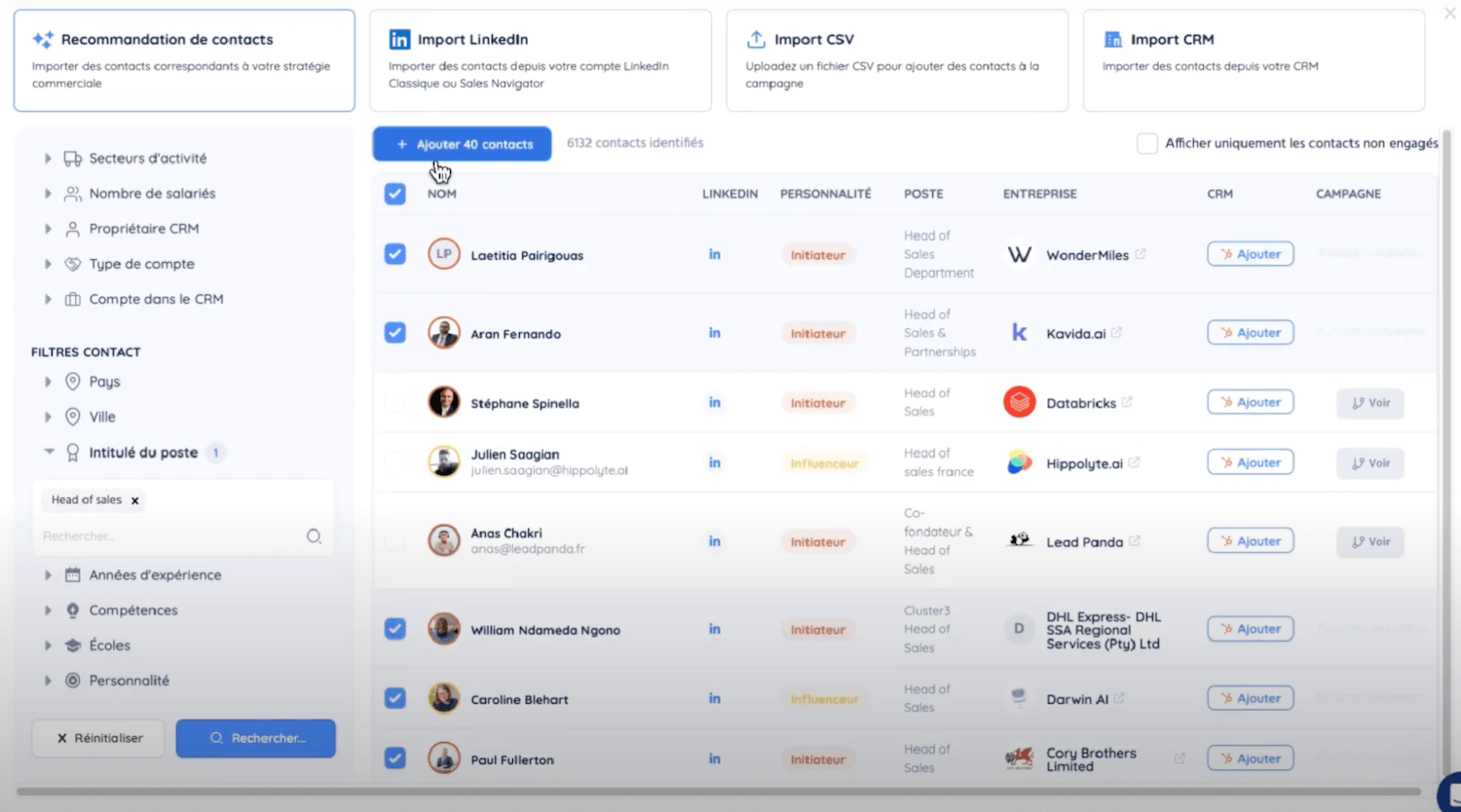
Humanlinker fits teams that care more about personalization and intelligence than about automating lots of LinkedIn clicks.
Lykoza is difficult to evaluate with confidence because the public footprint is still very thin. When a product is this hard to benchmark, it usually means one of a few things: the platform is early, public visibility is limited, or it has not yet built enough market presence to support a strong comparison.
That makes certainty hard here.
There may be upside if the product is active and focused on a useful niche. Smaller tools sometimes become strong alternatives over time, especially when they solve a narrow use case well.
At the moment, there is not enough reliable public evidence to build a balanced, trustworthy profile with confidence. For an SEO article, that matters. Weak evidence leads to weak comparisons, and readers can feel that immediately.
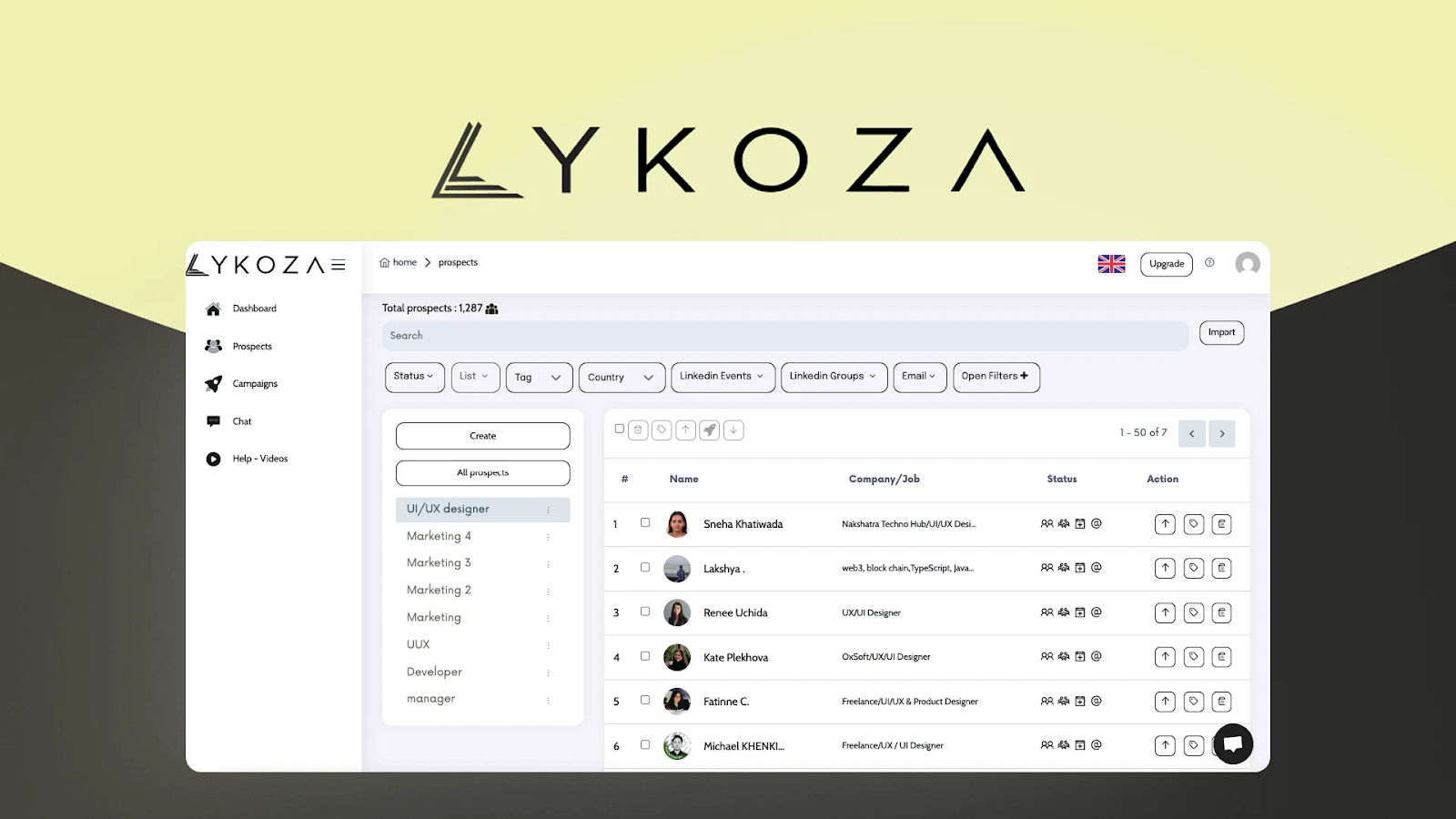
For now, Lykoza belongs in a watchlist section, not near the top of a ranked comparison.
Botdog is one of the cleaner direct LinkedIn automation competitors in this group. Its positioning is simple: cloud-based LinkedIn automation, clear pricing, safety-minded controls, team collaboration, and optional AI support.
That clarity helps it stand out in a category where many products try to be too many things at once.

Botdog’s strongest feature may be how easy it is to understand. The product focuses on LinkedIn automation without loading itself up with unnecessary multichannel sprawl.
The pricing also appears aggressive, which can make it appealing to founders, SMBs, and smaller teams that want a focused outreach engine without buying a much broader platform.
For buyers who value clarity and straightforward packaging, that matters.
A fair amount of the clearest comparison material around Botdog appears to come from the vendor side, which means the strongest public narrative is still partly self-controlled.
It is also intentionally LinkedIn-only, so teams that want email and LinkedIn tightly unified may find the scope too narrow.
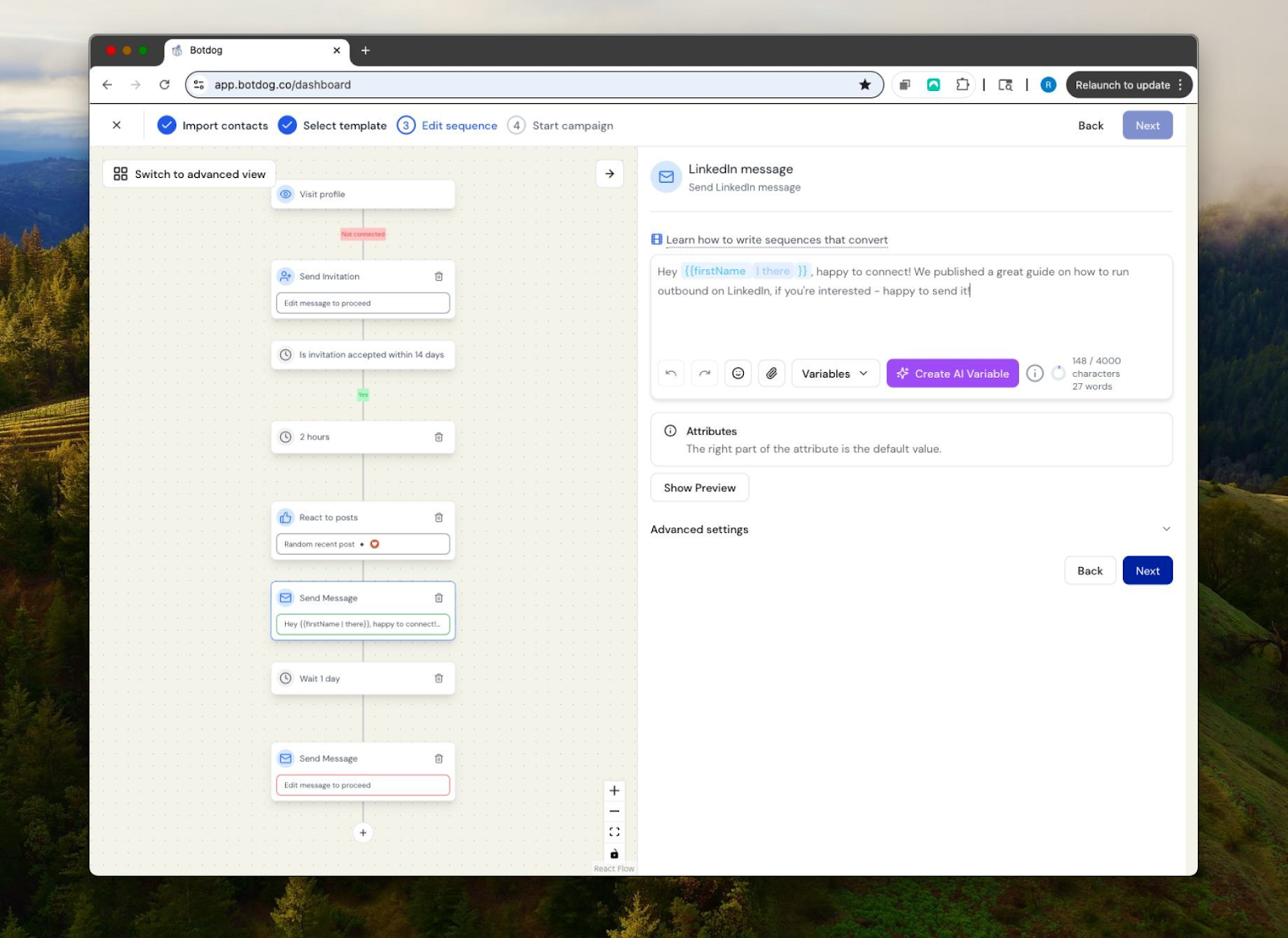
Botdog is a strong fit for founders, SMBs, and smaller teams that want focused LinkedIn automation at a clear price.
QuickMail is best understood as an email-first sales engagement platform, even if its current story now includes some LinkedIn capacity. Its strongest identity is still tied to cold email infrastructure, sender management, and deliverability-conscious workflows.
That makes it useful in outbound, but not a pure LinkedIn-native product.
QuickMail is strong in the areas email-first teams usually care about most: workflow control, sender management, and infrastructure built for scale.
For agencies and operators running higher-volume email campaigns, that is a practical advantage. Its newer LinkedIn-related capacity may also make it more appealing to teams that want one broader outreach environment instead of a pure email-only stack.
Even with LinkedIn referenced in the product story, QuickMail is still not best thought of as a true LinkedIn-first platform. In a comparison article, it fits more naturally in the broader outreach or engagement category than next to dedicated LinkedIn tools built around native sequences and profile actions.
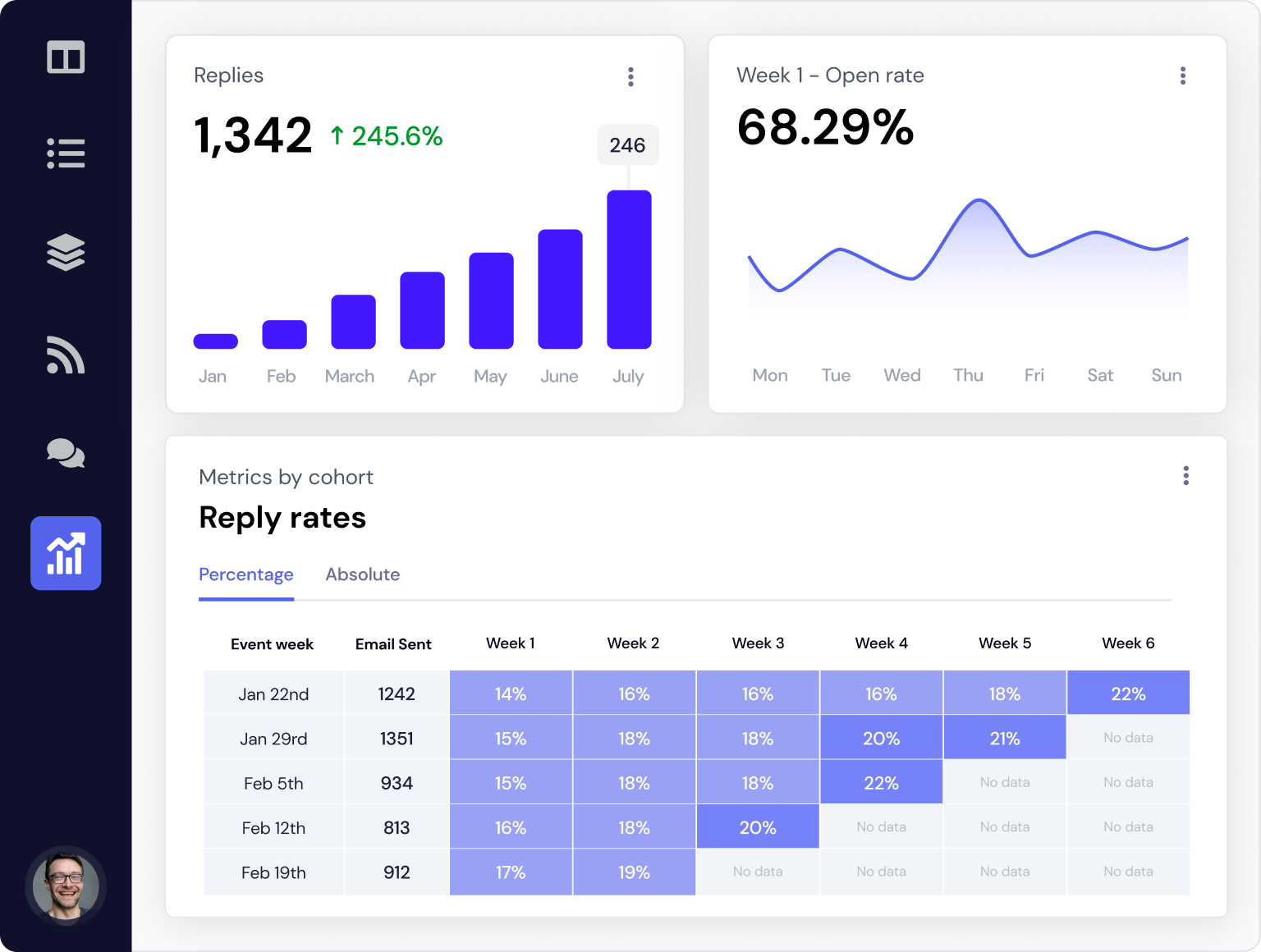
QuickMail works best for email-led outbound teams that may also want LinkedIn capacity in the mix.
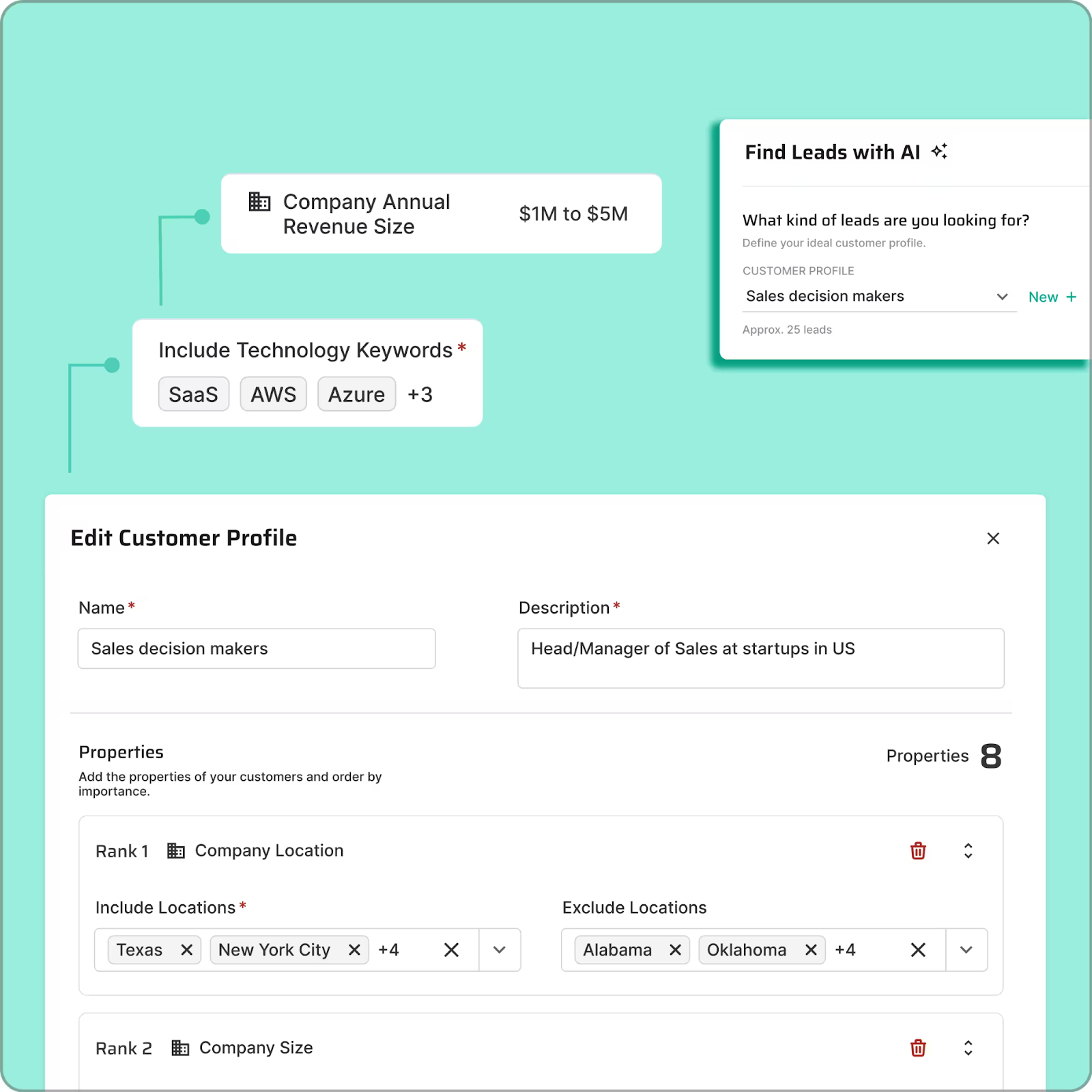
LeadNitro AI is another case where the public footprint appears too thin to support a strong, trust-building profile. In an SEO article, that matters. When evidence is limited, sounding overly certain does more harm than good.
It may have future relevance in the AI lead generation category, which is clearly growing. If the platform develops a stronger public presence, it could become more compelling to include later.
At the moment, there is too little verifiable information on pricing, product depth, and user sentiment to produce a balanced review with confidence.
That makes it risky to present as a serious ranked competitor.
Treat it as an emerging tool worth watching.
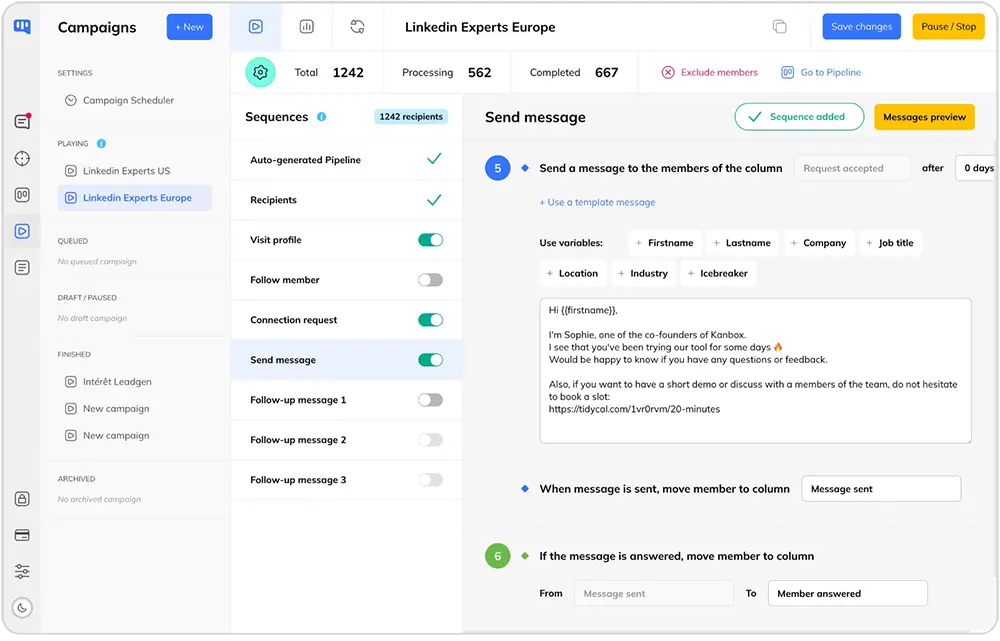
Kanbox is a cleaner fit for a LinkedIn automation comparison because the product story is easy to understand and the feature set is broad without feeling bloated. It combines LinkedIn automation with sequences, follow-ups, inboxes, CRM-style pipelines, team support, and enrichment.
That makes it feel more complete than a basic automation utility.

Kanbox looks strong on both breadth and value. It is more than a connection-request tool. The platform appears to combine LinkedIn automation with prospect management, inbox handling, team workflows, and enrichment features in a way that can support real day-to-day prospecting work.
That broader functionality makes it appealing to SMBs, recruiters, agencies, and sales teams that want more than basic automation without stepping into expensive enterprise tooling.
A few caveats matter. Some of the strongest comparison language appears to come from Kanbox’s own ecosystem, so claims around pricing superiority or category advantage should be treated carefully unless verified elsewhere.
There is also the common tradeoff with lower entry tiers. Casual users may be fine, but more serious teams may need to upgrade fairly quickly as campaign demands grow.
Kanbox fits SMBs, recruiters, agencies, and sales teams that want more than bare-bones LinkedIn automation without paying premium prices.
Valley positions itself as a signal-based LinkedIn AI SDR, which places it in a more premium and strategic category than most classic LinkedIn automation products. Instead of simply automating outreach steps, it focuses on intent signals, ICP qualification, enrichment, research, personalized outreach, and AI-led reply handling.
That gives it a very different feel from a normal sequencer.
Valley’s clearest differentiator is signal intelligence. Most LinkedIn tools still start with activity automation and add context later. Valley flips that approach by treating context, timing, and fit as the foundation.
That can lead to better outreach quality because the platform is not just helping users send more messages. It is trying to help them send better ones at a better time.
The bundle of enrichment, research, AI writing, and LinkedIn execution also makes the product feel more strategic than a standard automation platform.
The biggest drawback is price. Compared with traditional LinkedIn automation tools, Valley sits noticeably higher, and the cost rises further if Sales Navigator is part of the expected setup.
It also still feels more like a strong premium emerging player than a broadly proven incumbent with years of public market proof.
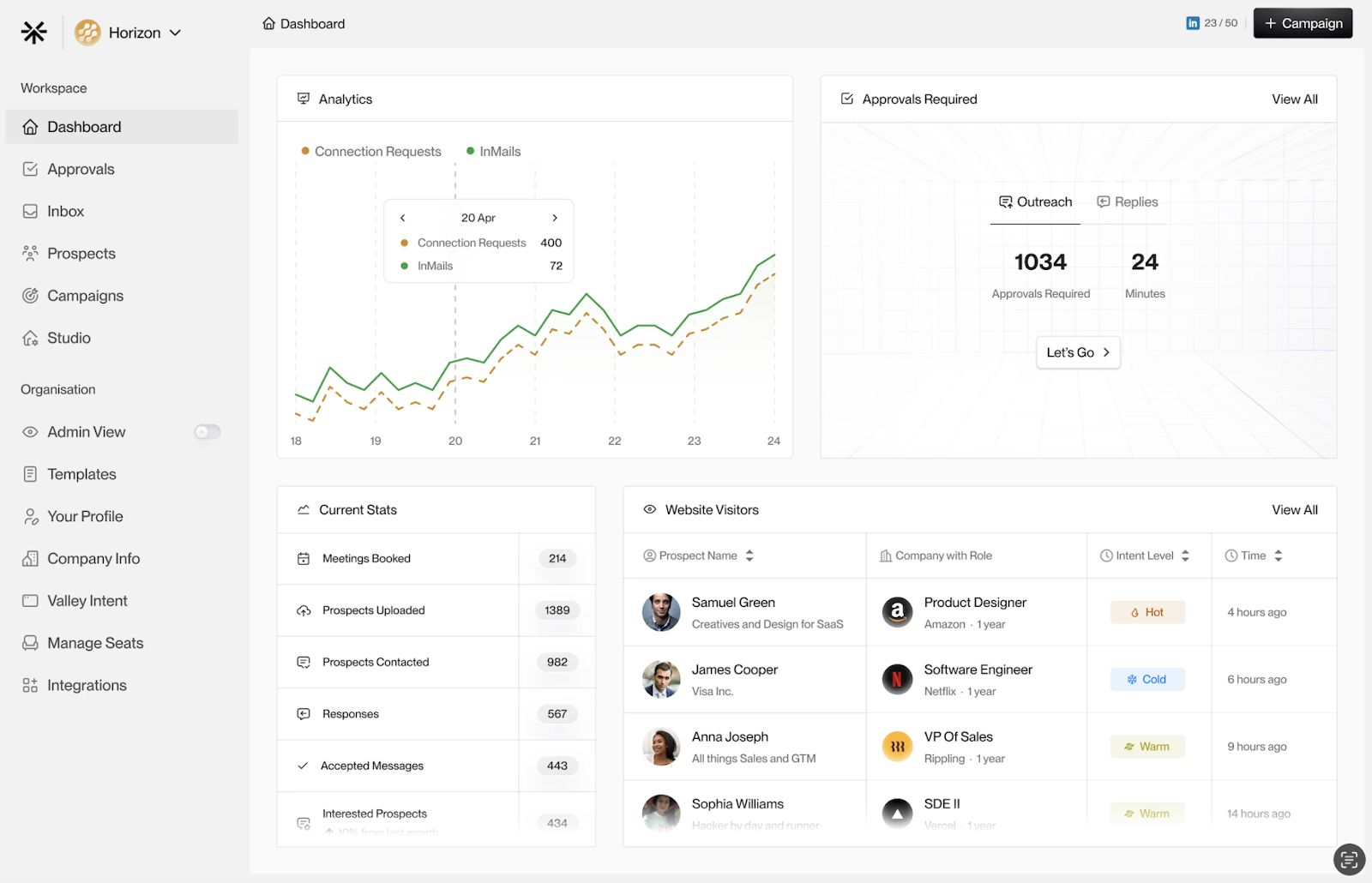
Valley is a fit for founders, boutique agencies, and outbound teams willing to pay more for signal-led LinkedIn outreach.
Sendpilot is one of the clearer direct competitors in this set because it stays tightly focused on LinkedIn-led teams while still doing more than a basic sequencer. The product combines AI, lead sourcing, enrichment, sender rotation, unified inbox management, ICP scoring, and even LinkedIn content support.
That gives it more range than many older LinkedIn-only tools.

Sendpilot has a strong all-in-one story for LinkedIn-heavy teams. It combines outreach, inbox handling, multi-account support, enrichment, and content workflows in a way that feels operationally useful rather than overloaded.
That balance matters. The platform has more breadth than a simple sequence builder, but it still stays more focused than a large multichannel system.
For teams that spend a lot of time inside LinkedIn, that kind of setup can be very appealing.
The biggest limitation is proof depth. Much of the strongest public information appears to come from the vendor side, which makes it harder to separate strong positioning from broad independent validation.
It is also still heavily LinkedIn-centric, which may limit its fit for teams that want email-first execution or a more complete multichannel setup.
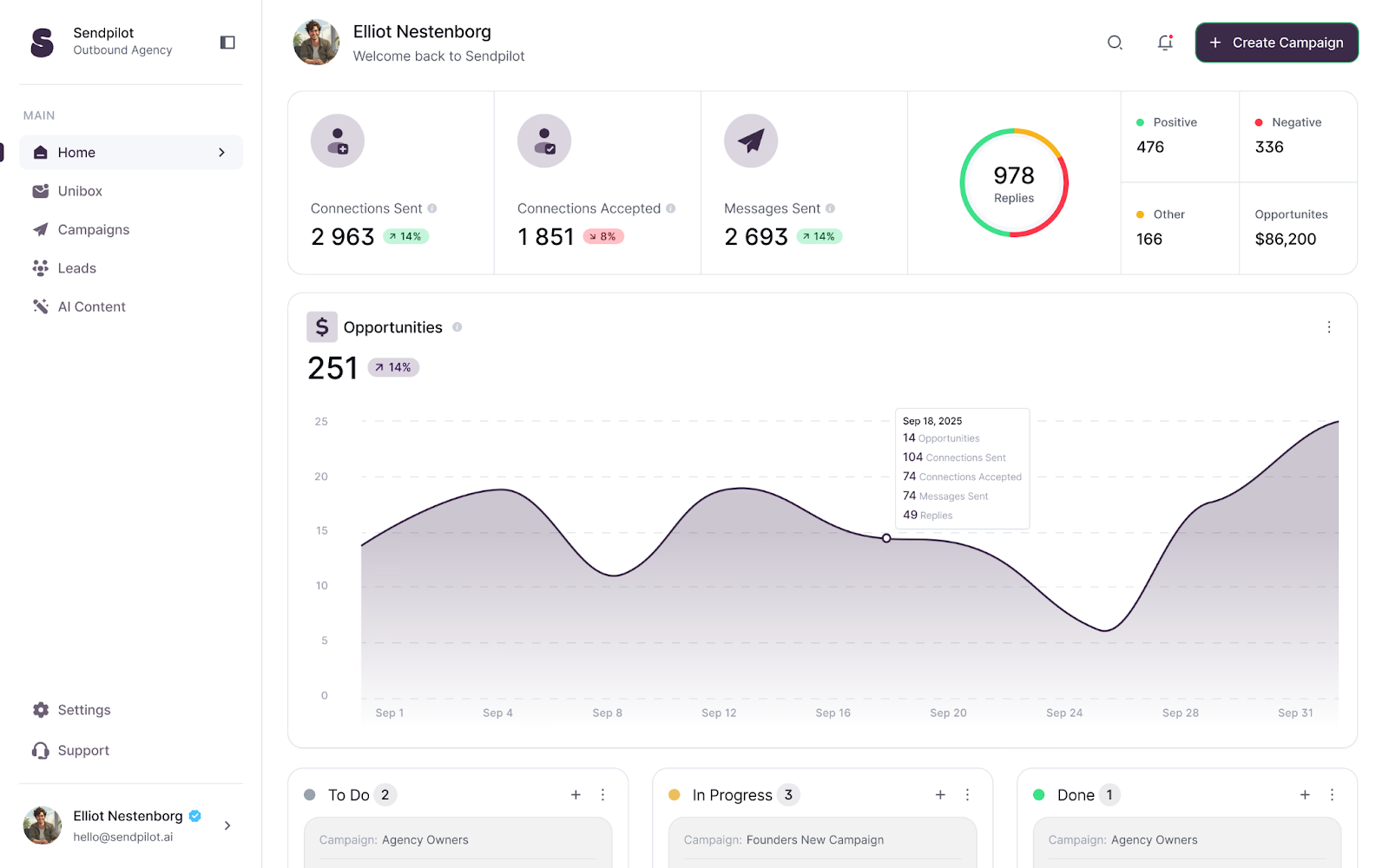
Sendpilot works for LinkedIn-led teams that want sender rotation, inbox control, and enrichment without moving into expensive AI SDR products.
Konnector positions itself as a LinkedIn lead generation platform with a strong social-signal angle. That is where it gets interesting. Instead of trying to win only on automation speed, it leans into relevance and timing through keyword signals, engagement-based imports, AI comments, unified inboxes, and CRM support.
That makes the product feel more context-aware than a basic activity tool.
Konnector’s strongest angle is signal-based timing. It is clearly trying to help teams engage for a reason, not just because a sequence step is due.
For teams that believe better timing and context lead to better outcomes than raw volume, that is a meaningful distinction.
The inclusion of unlimited team members and a unified inbox at a relatively accessible price also strengthens its appeal for collaborative teams.
The main issue is that much of the public narrative still seems self-published. That makes it harder to know how much of the positioning is broadly validated versus well-marketed.
Public review depth also appears lighter than with longer-established players, so the product feels promising, but not fully proven.
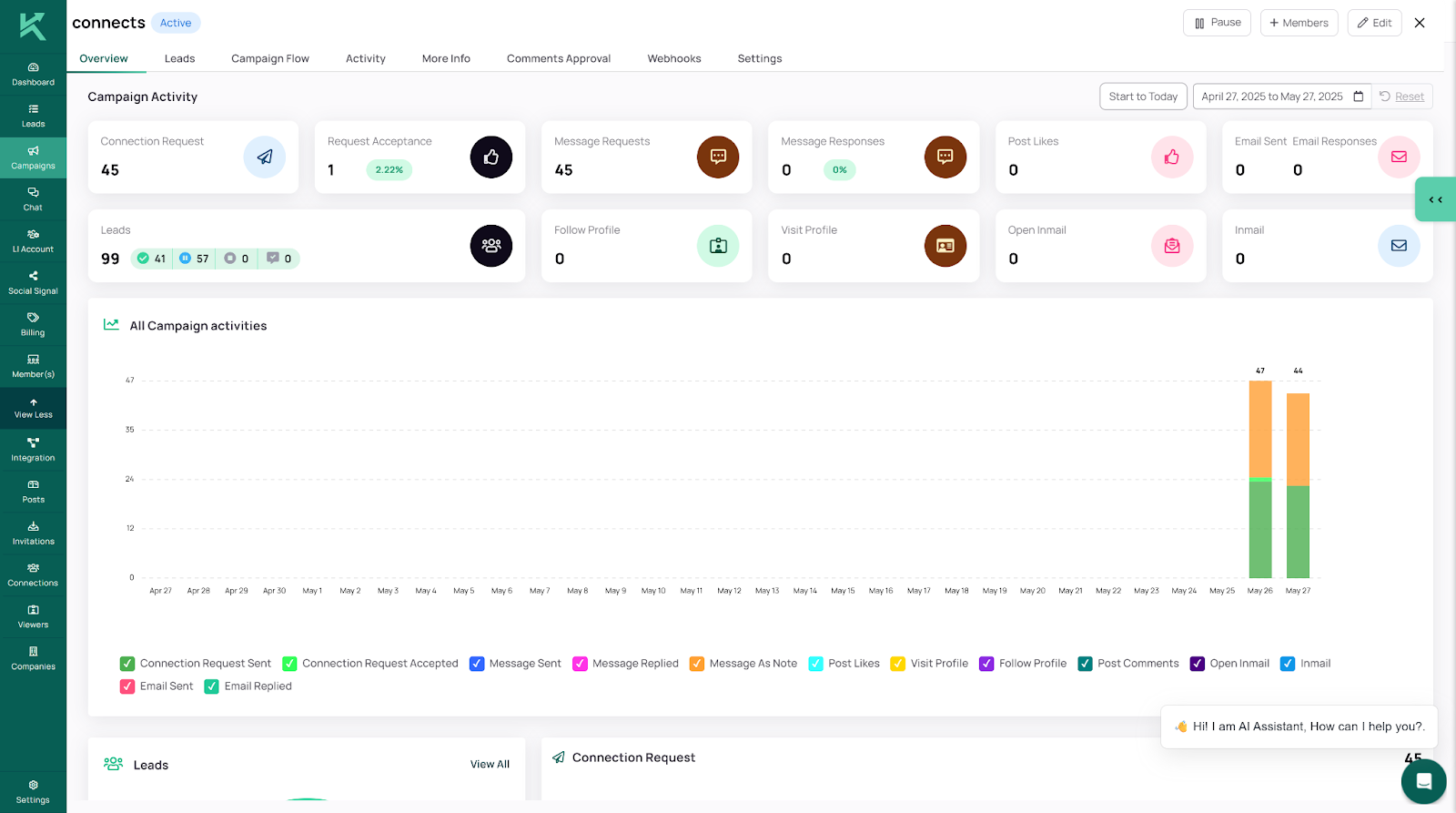
Konnector is a fit for teams that care about timing, context, and CRM-connected LinkedIn outreach.
Gojiberry positions itself as an AI-led platform for finding and contacting high-intent leads through ICP filtering, enrichment, multiple signals, and LinkedIn outreach. The key distinction in the messaging is that it is not selling generic outbound. It is selling warm outbound.
That is a much more current pitch than simple list-based automation.
Gojiberry’s strongest story is intent-led prospecting. Instead of encouraging users to blast cold lists, it focuses on identifying buyers who already show some sign of relevance or interest and then launching AI-assisted outreach from there.
That can be especially appealing for founders and smaller sales teams that want stronger targeting without building a massive stack.
The overall message feels aligned with how modern outbound buyers increasingly want to work.
The limitation is third-party validation. Much of the visible proof appears to come from the company’s own ecosystem, including testimonials and internal content.
That does not invalidate the platform, but it does make confident ranking harder.
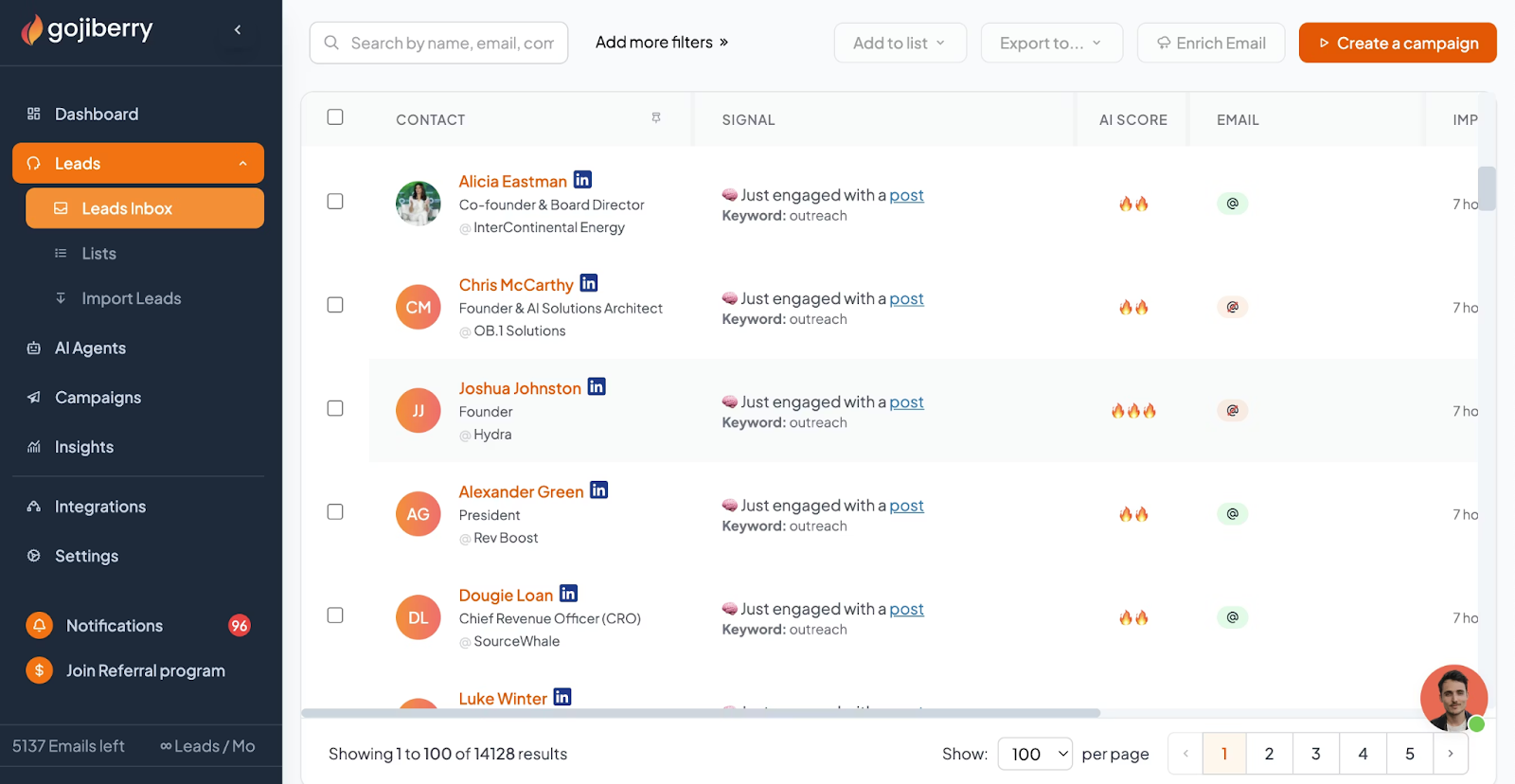
Gojiberry AI fits founders and small sales teams that want intent-led LinkedIn outbound without a giant stack.
Sellinger positions itself as autonomous AI LinkedIn outreach, with one AI agent assigned per account and configured around outcomes such as booking calls, generating demos, or driving signups.
That packaging is easy to understand, which is part of the appeal.

Sellinger’s clearest strength is simplicity. In a category full of confusing seat logic, usage credits, and layered add-ons, the product story feels refreshingly direct.
The one-agent-per-account framing makes the offer easy for buyers to grasp, and the unlimited lead and message language adds to that simplicity.
A focused product story can be a real advantage when buyers are overwhelmed.
The main question is validation. Public review depth appears limited, and the pricing page’s heavy use of promotional discount framing can make long-term price perception feel a little less stable.
The platform also appears quite narrow in channel scope, which may limit its appeal for teams that want a full multichannel system.
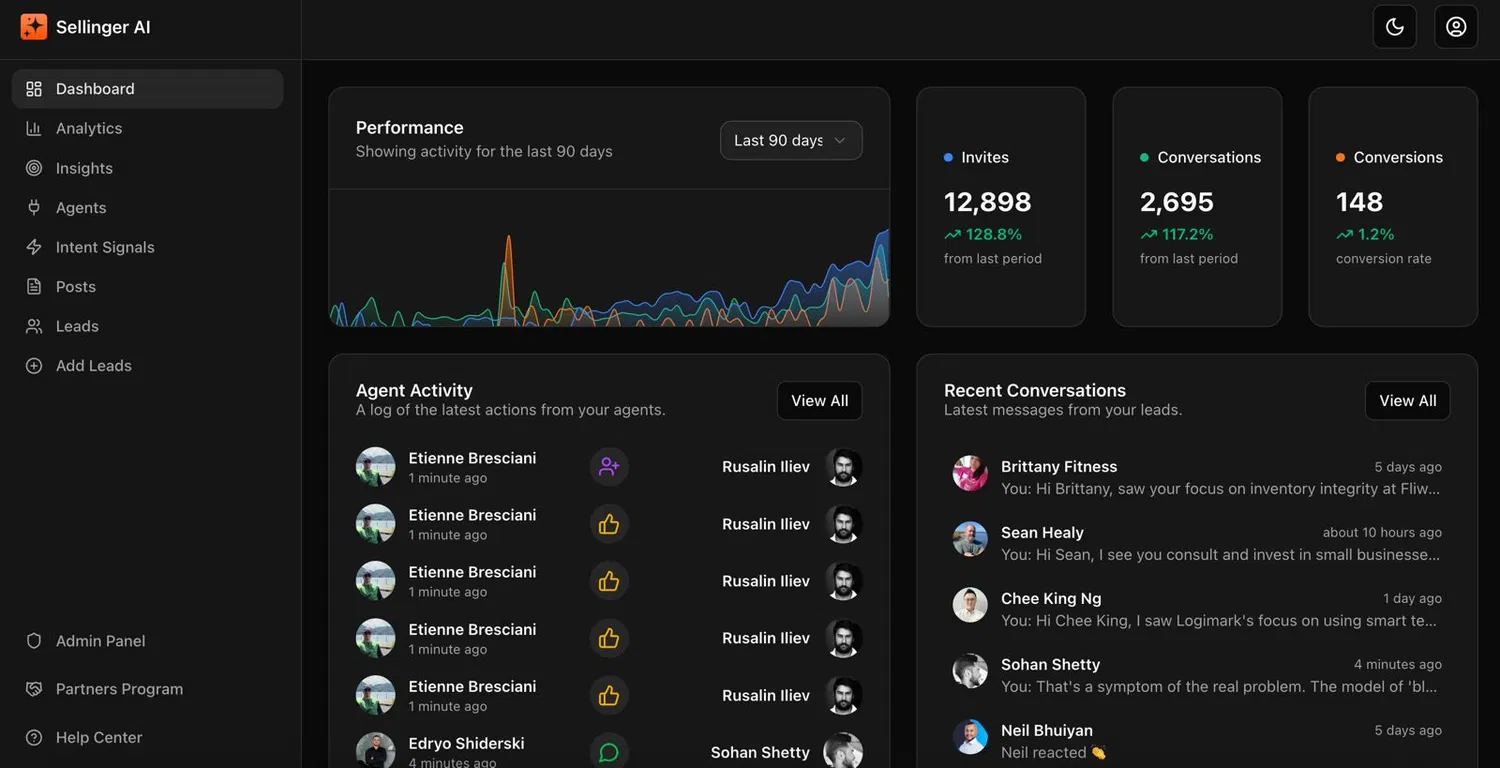
Sellinger AI is a fit for users who want an AI-agent-style LinkedIn tool with simple packaging.
CLI3NTS presents itself as an all-in-one LinkedIn AI agent platform with separate AI agents for engagement, inbound, and outbound growth. That is an interesting product idea because it frames LinkedIn as more than a prospecting channel. It treats the platform as an operating environment for several growth motions at once.
That makes the product vision broader than simple message automation.
CLI3NTS has a strong product vision. It is not just pitching outbound sequences. It is pitching a broader LinkedIn presence engine that spans engagement, inbound workflows, outbound workflows, and related growth activity.
For users who see LinkedIn as a channel that needs ongoing presence rather than only prospecting, that framing can be compelling.
Two drawbacks stand out. First, the pricing and public validation story still appears thin. Second, the company’s own terms place responsibility for account disruption on the user and explicitly acknowledge platform restriction risks tied to automation.
That is the kind of detail cautious buyers will care about.
CLI3NTS is an emerging LinkedIn AI agent platform with an interesting product vision, but it still needs stronger public proof.
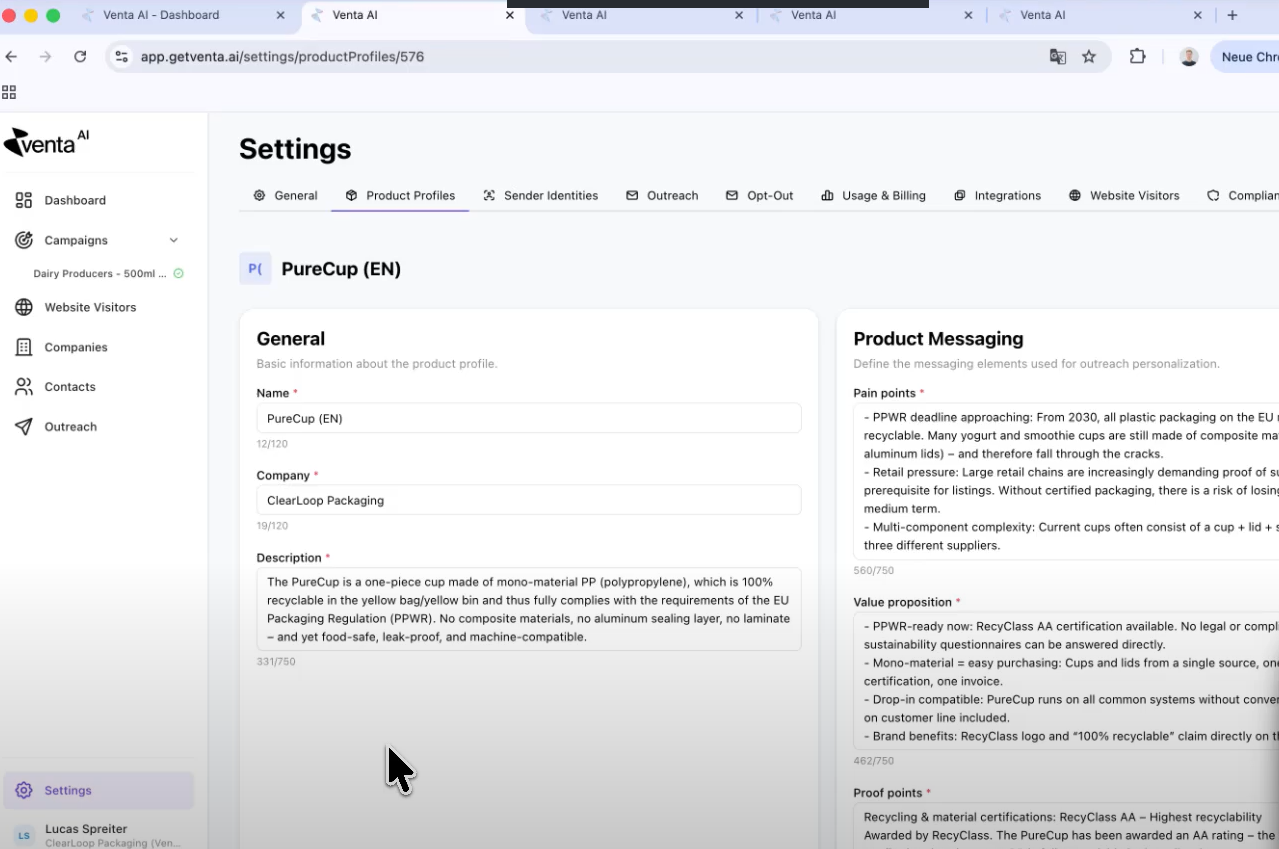
Venta AI positions itself as “the compliant AI colleague for sales teams in Europe,” and that regional focus is one of the clearest differentiators in this entire category. The product emphasizes European company and contact discovery, GDPR-first positioning, AI-based qualification, signal detection, CRM sync, and personalized outreach.
That makes it feel more like a regional AI sales system than a generic automation tool.

Venta’s strongest differentiator is European fit. For teams selling into Europe, compliance language, contact discovery, and regional alignment matter more than they might with a generic outbound platform.
Between the GDPR posture, language positioning, and Europe-focused data story, Venta offers something more tailored than a one-size-fits-all outbound product.
The biggest drawback is pricing opacity. Without transparent pricing, clean side-by-side comparison becomes harder.
The product also feels closer to a full AI sales employee or prospecting system than to a classic SaaS automation product, which makes direct comparison with simpler LinkedIn tools less tidy.
Venta AI is best for European teams that want an AI SDR platform with stronger EU alignment.
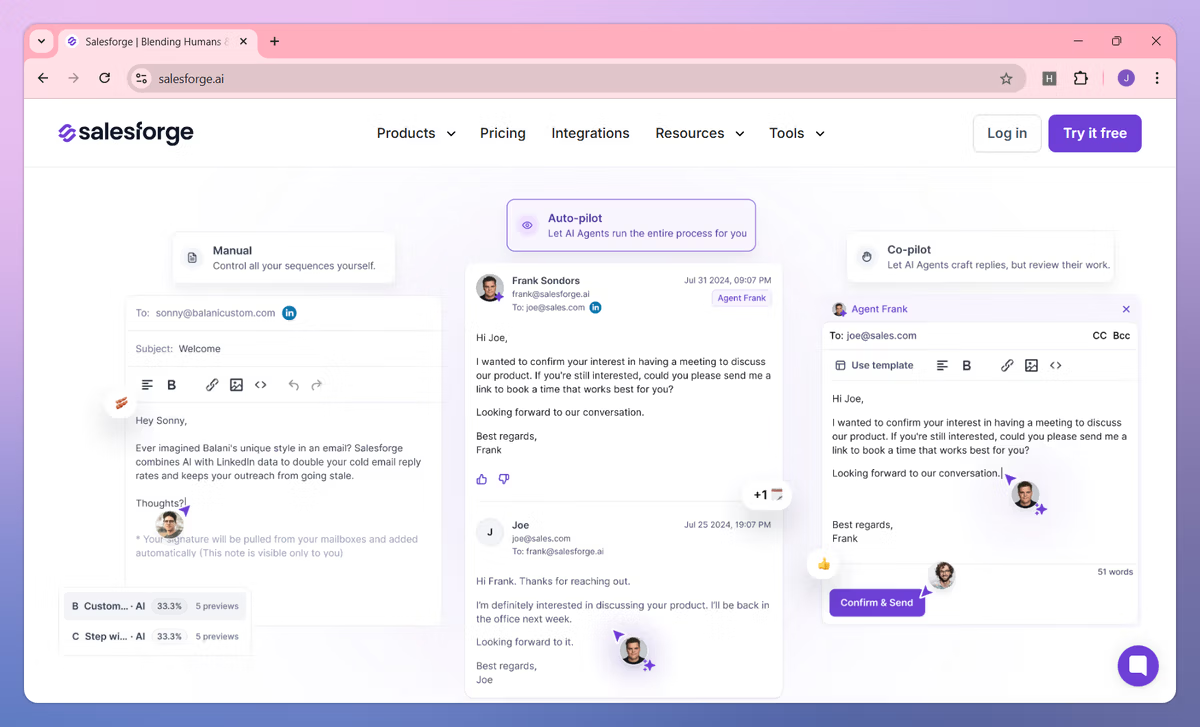
Salesforge is a broader outbound infrastructure and AI SDR platform, not a pure LinkedIn automation product. Its positioning includes email infrastructure, warmup, personalization, contact handling, and AI-agent support, with LinkedIn existing inside a larger outbound system.
That makes it one of the more commercially legible products in this group.

Salesforge’s main strengths are breadth and pricing clarity. Compared with many AI SDR products, it is easier to understand what buyers are actually getting at each tier.
The platform can support solo operators, agencies, and larger teams, which gives it a wider potential audience than some higher-concept AI products.
That combination of infrastructure and AI support also makes it feel more practical than many products with a bigger promise and less clarity.
The tradeoff is that Salesforge is not especially LinkedIn-first. Buyers looking for deep LinkedIn-native workflow depth may find the center of gravity more infrastructure- and email-oriented.
Like many broader outbound systems, it may also come with some learning curve for teams that want a faster plug-and-play setup.
Salesforge is better for teams that want a modern outbound platform than for buyers shopping only for LinkedIn automation.
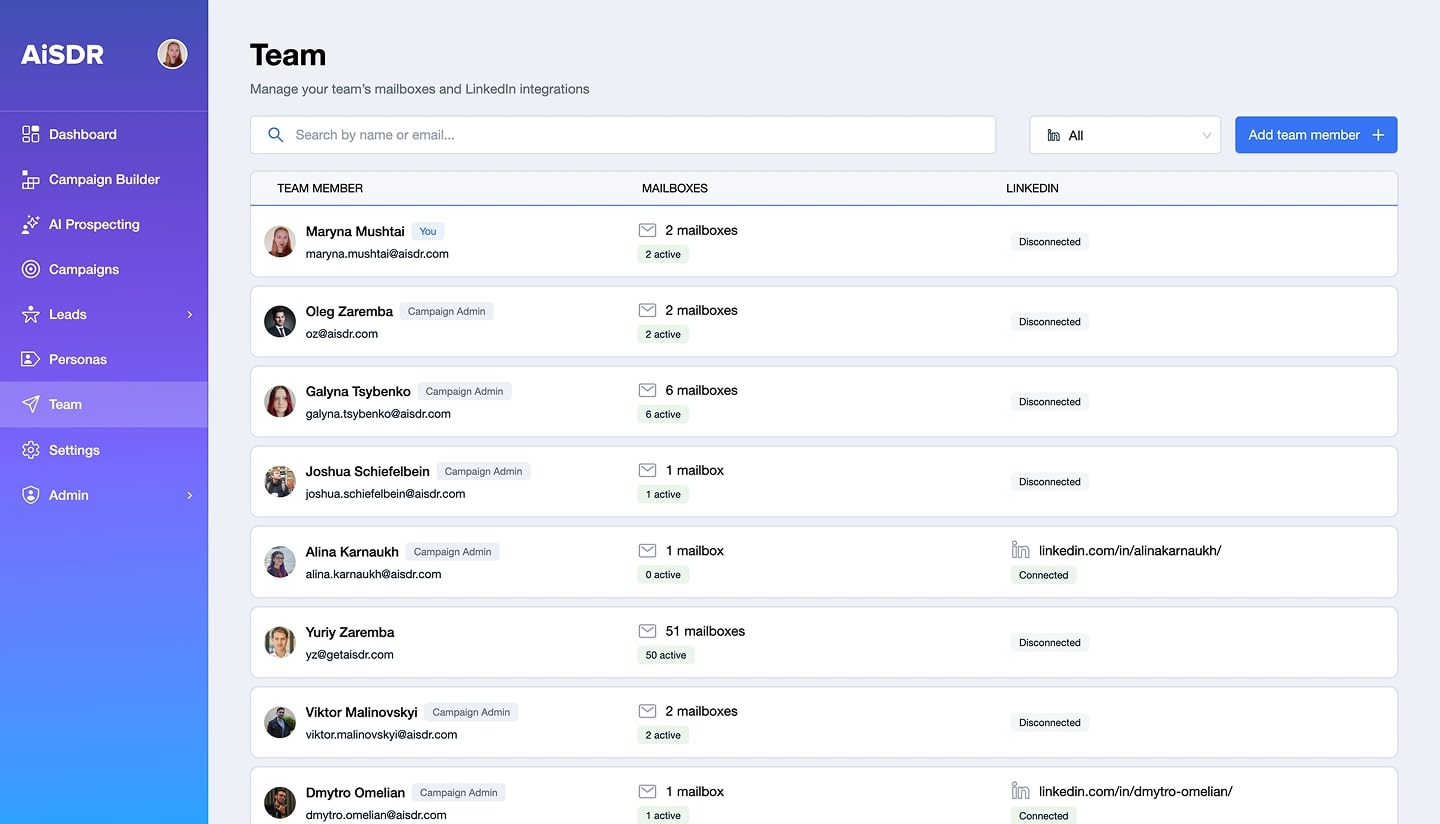
AiSDR is a true AI SDR platform rather than a traditional automation tool, and it stands out because it appears to have stronger public traction than many newer entrants in this category. Its positioning focuses on fewer, smarter touchpoints across LinkedIn and email rather than high-volume blast-style automation.
That gives it a more premium and delegated feel than classic sequence software.

AiSDR’s biggest strength is credibility. It combines a recognizable AI SDR story with a more substantial validation footprint than many emerging players.
Its focus on smarter, more researched outreach also fits where outbound is heading. Buyers are increasingly less interested in sending more and more interested in sending better.
Public sentiment also appears to reflect strengths in setup speed, personalization quality, and support, which helps reinforce the idea that this is a capable system, not just a shiny wrapper around templates.
The obvious drawback is price. At the entry level, AiSDR sits far above classic automation tools, so the economics work only if a buyer genuinely wants deeper delegation rather than software-assisted sequencing.
It also appears less aligned with teams whose strategy still depends heavily on pure mass-volume email tactics.
AiSDR fits teams willing to pay for a more validated AI SDR platform with stronger workflow ownership.
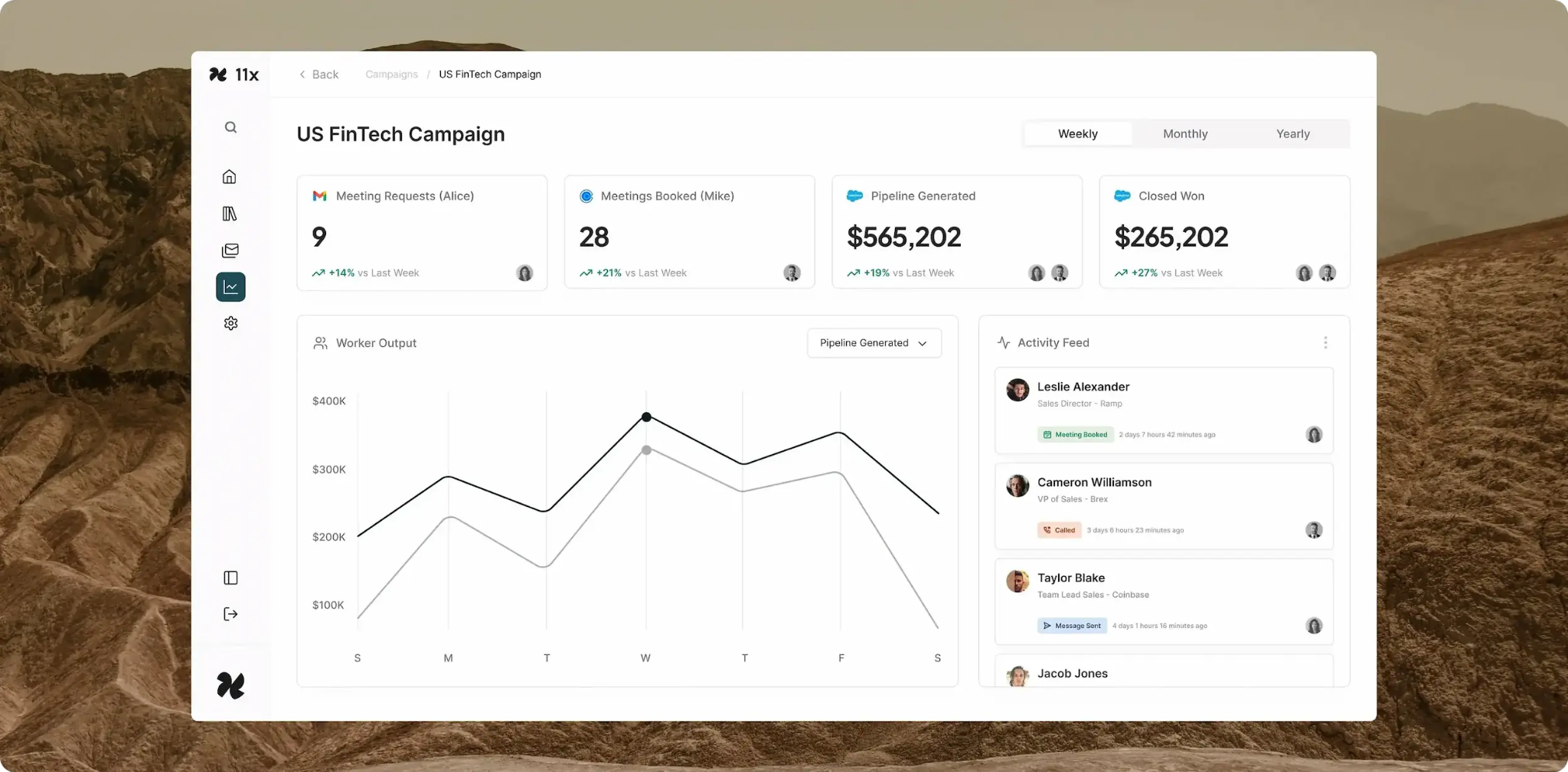
11x is better described as an AI SDR platform than a typical LinkedIn automation tool. The company frames the product around autonomous digital workers, especially Alice, an AI agent built to handle prospect research, outreach, follow-ups, and meeting booking. The focus is not simple sequence automation. The idea is that the system runs outbound continuously, writes messages, works across languages, connects to CRM systems, and pushes conversations toward pipeline and meetings.

Pros
The main appeal of 11x is the AI SDR model. The platform is meant for teams that want software to do more than trigger workflows. It researches prospects, writes messages, follows up, and keeps conversations moving with less manual work. Reviews on G2 often mention the time saved on prospect research, identifying leads faster, customizing outreach, and automatically updating systems like Salesforce.
Cons
Pricing is the biggest issue. While the company does not publish standard pricing on its website, most descriptions online suggest it sits in the higher end of the market, starting around $1000/month and is usually sold through a sales process. That structure tends to work better for larger outbound teams than for founders or small sales groups.
Setup can also take some time. Several users mention that the system needs tuning before campaigns run smoothly. A few reviews also note that replies still require human oversight in certain situations, especially once a prospect responds positively.
Best fit in the market
11x works best for mid-market and enterprise sales teams that want an AI layer running outbound activity. It sits closer to platforms like AiSDR and Artisan.
Teams looking for delegation and automation across the entire outreach process will find the model appealing. Buyers who prefer transparent pricing, fast setup, or a simple LinkedIn-focused tool will likely look elsewhere.
The right LinkedIn automation tool depends on who is using it and what they need it to handle. A solo founder sending a handful of connection requests does not need the same setup as an agency managing dozens of accounts for clients.
Start with the actual job you need the software to do. That sounds obvious, but a lot of buyers skip this step and go straight to feature comparisons.
If your goal is simple LinkedIn outreach, a lighter tool may be enough. If you need LinkedIn and email in the same workflow, buyer signals, shared inboxes, sender rotation, CRM sync, AI reply handling, or team-level campaign management, you are shopping in a different category.
Price matters, but low pricing can be misleading. A cheaper tool stops looking cheap once you need two or three extra products to cover what it cannot do. A lot of platforms also use credit-based systems that look cost-effective at first, but are deceiving once you scale. I would usually look at a few practical things before choosing:
- Supported channels
- Team size and account scale
- Inbox management
- CRM, API, and webhook support
- Depth of personalization
- AI personalization
- Integrations
- Reporting
- Safety controls
- Setup time
A lot of buyers get pulled in by long feature lists and it’s understandable. Some product pages make it sound like the software is going to run your entire sales motion by the end of the week.
A better question is whether the tool fits the way your team actually works right now, and whether it will still make sense six months from now. That is usually a better filter than whichever platform happens to have the loudest or most attractive landing page.
One of he most important features when it comes to LinkedIn is safety. Most platforms will say they are a safe product…I mean, what else are they going to say? But true safety is both built in to the platform and promoted by the platform in terms of best practices.
The most common mistake with LinkedIn automation is treating it like a volume contest. More connection requests do not automatically create more pipeline. Sometimes they just lead to lower acceptance rates and more risk.
Start slower than you think you need to. Keep activity steady and avoid sudden spikes in profile views, invites, or messages that make the account look unnatural.
Personalization also matters. Generic outreach tends to perform worse and is easier to spot. More relevant messages usually lead to better replies and a safer campaign overall.
A few practical habits help:
- Ramp up activity gradually
- Keep pacing realistic
- Avoid identical behavior across multiple accounts
- Watch acceptance and reply rates
- Pause sequences when results drop
- Use credible tools with limits, randomization, and warm-up controls
If you run multiple accounts, each one should behave like a real person with its own rhythm. The goal is simple: use automation to support relevant outreach, not to push your account as hard as possible.
LinkedIn automation works best when it removes the repetitive parts of outbound without flattening the human side of it. That balance is harder than some vendors make it sound.
The right tool can help you find better qualified leads, save time, keep follow-ups moving which helps conversion ratesa, and help teams stay organized as conversations grow. But this category includes products built for very different jobs. Some handle simple LinkedIn workflows. Others are built for agencies, multichannel outreach, or full AI SDR systems.
The market is already shifting. Tools are moving beyond basic action automation toward platforms built around signals, timing, enrichment, and AI-driven replies. By the end of 2026, the strongest platforms will feel less like sequence builders and more like outbound operating systems.
You can see the direction forming now. More signal-based targeting. More prompt-driven campaign setup. More AI handling parts of the conversation. Less manual stitching between lists, copy, follow-ups, and inboxes.
The tools that last will be the ones that help teams book real meetings, not just increase activity. Better timing, better context, and follow-up that still sounds like a person meant to send it.